


Buy Pokemon for Sword and Shield
Gigantamax packages, Shiny legendaries, breeding Dittos and custom Pokemon for Sword and Shield, traded over Y-Comm.
To trade you needYou need a Nintendo Account and an active Nintendo Switch Online membership to trade. Your Switch Friend Code isn’t needed.
Custom builds and packages
Build exactly what you want, or grab a ready-made package.
Custom Pokemon
Build your own dream team, or pick individual Pokemon from across our packages. Customize everything in the Rawkhet Teambuilder.
- Any legal Pokemon
- Held items
- IVs and EVs
- Shiny or Normal
Gigantamax Package
Every Gigantamax Pokemon for Sword and Shield, without the farming it takes to find and catch them.
- All 34 Gigantamax
- Held items
- Max Dynamax Level
- Shiny or Normal
Ditto Package
Breed like a pro with max IV Ditto. Foreign Dittos raise your shiny odds with the Masuda Method. Buy one, or all 25 natures.
- Japanese or English
- Masuda Method
- Shiny or Normal
- Useful held items
Shop Sword and Shield
Every listing, grouped the way players look for them.
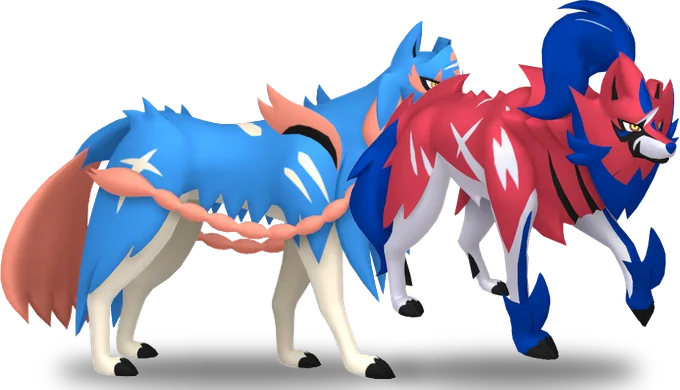
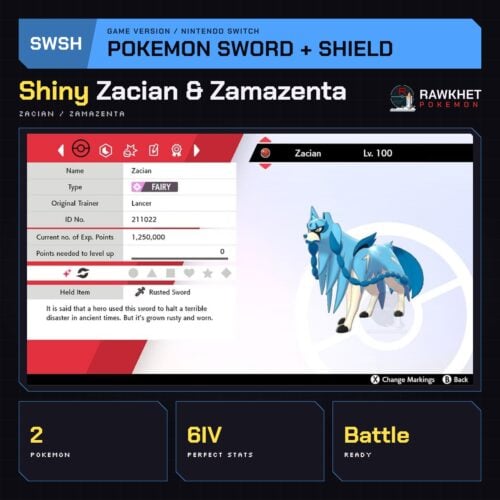
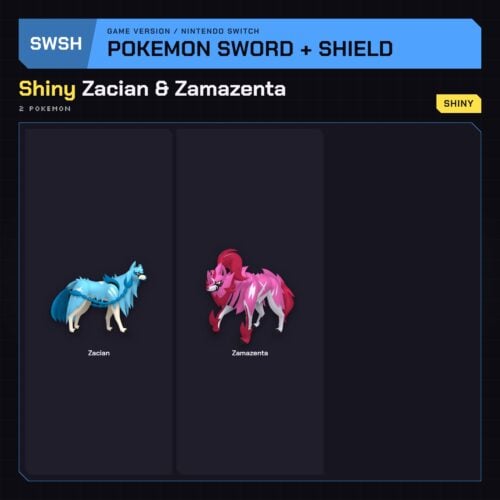
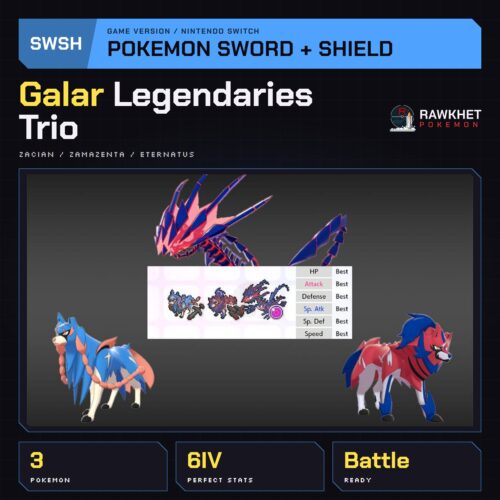
Hailing from the land of Galar
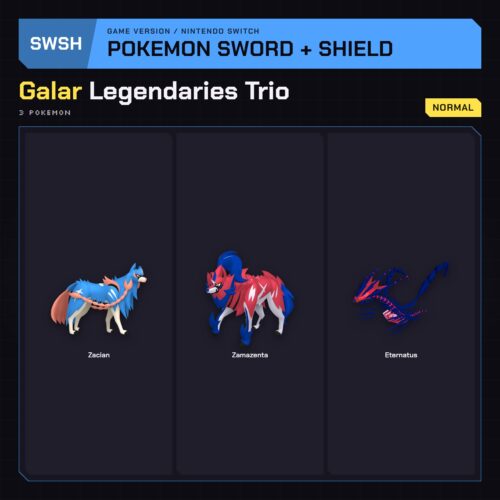
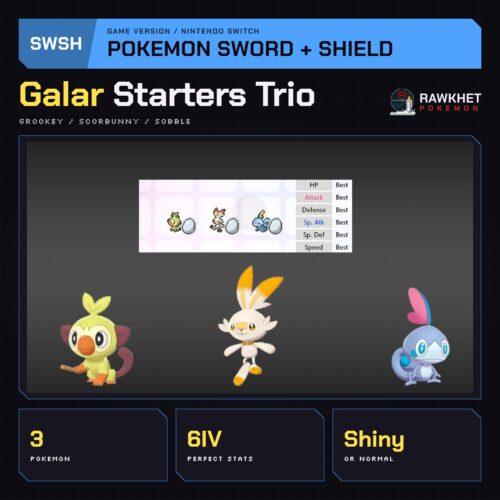
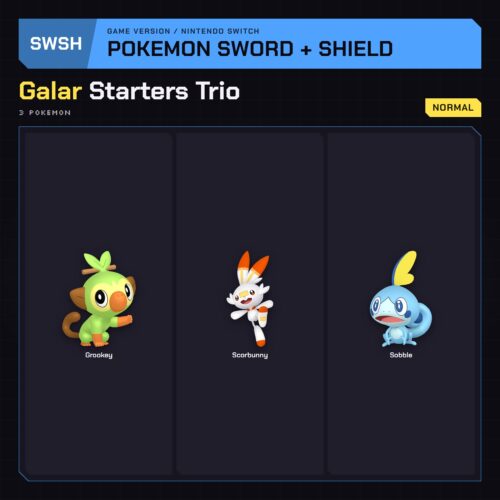
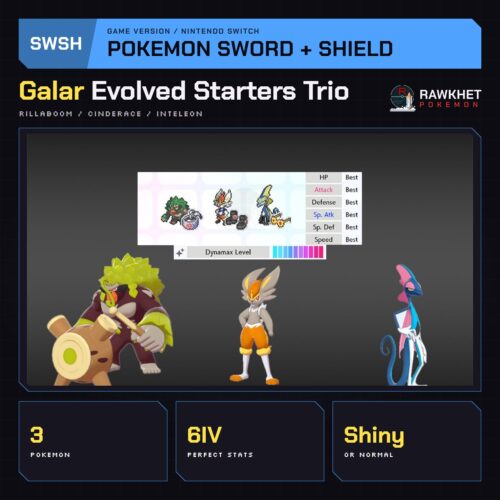
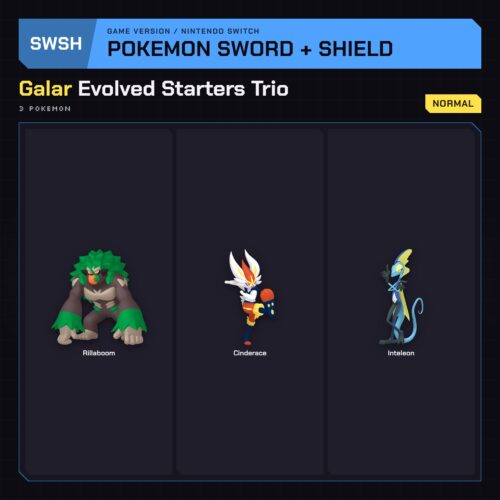
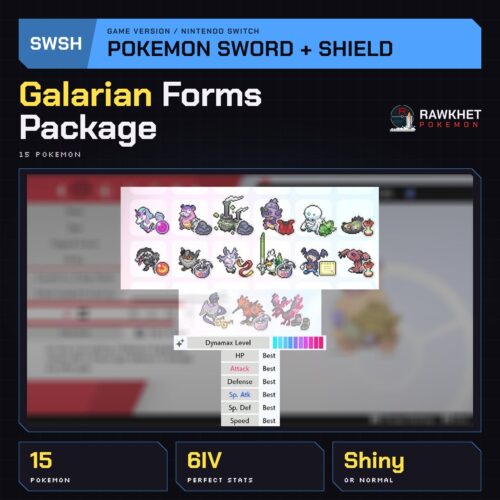
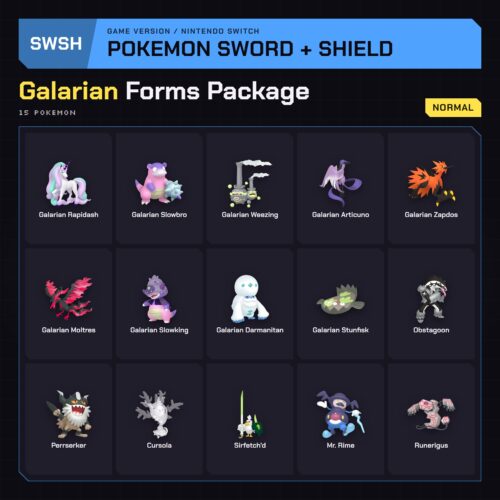
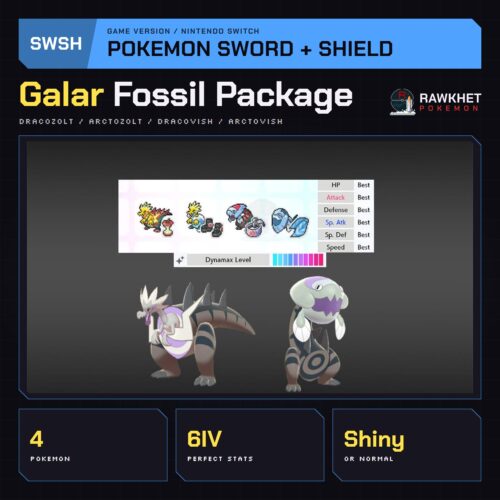
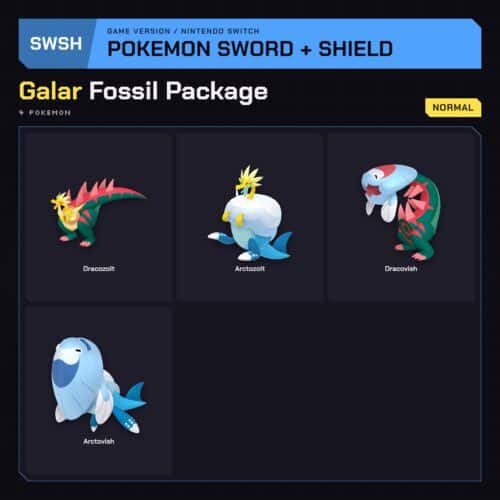
Highlighted packages
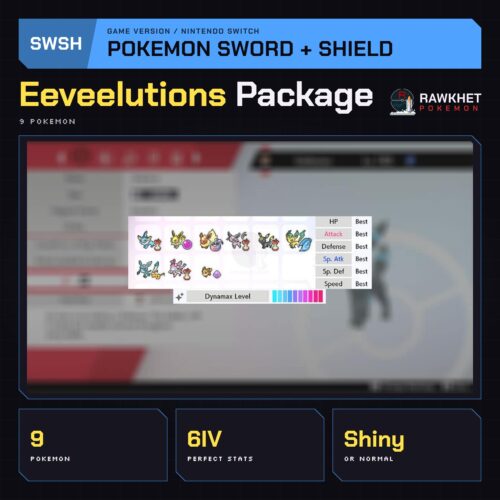
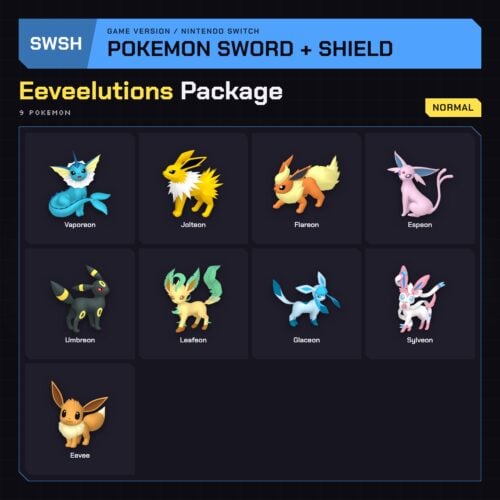
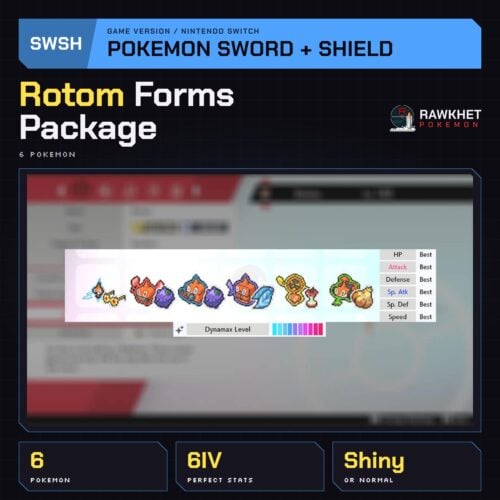
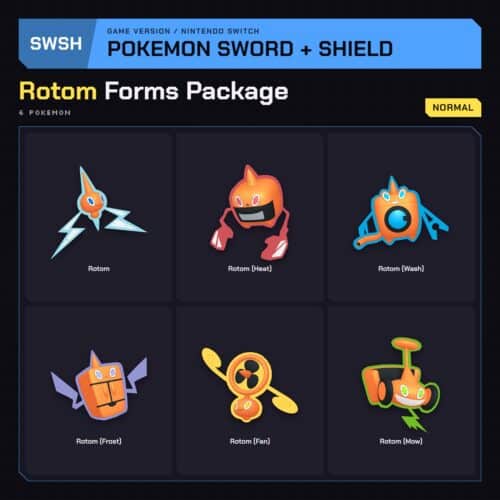
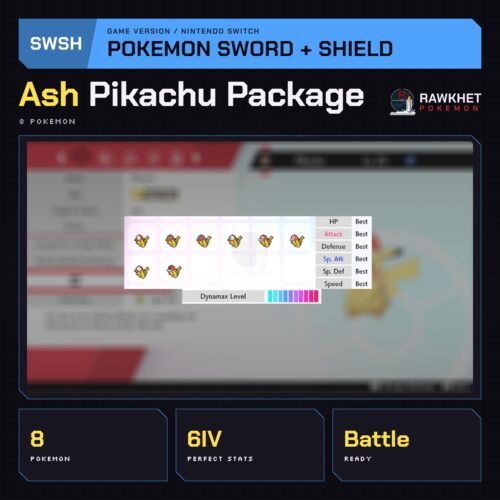
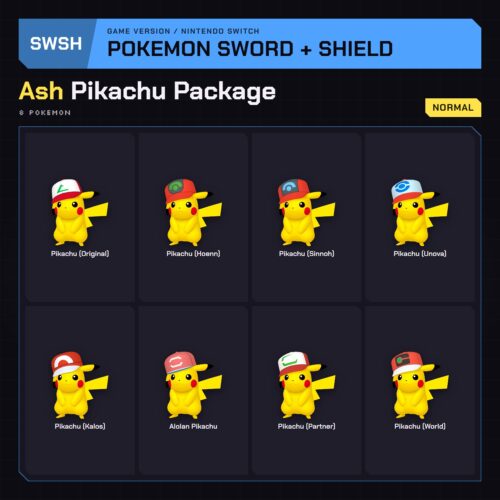
Joining from the DLC
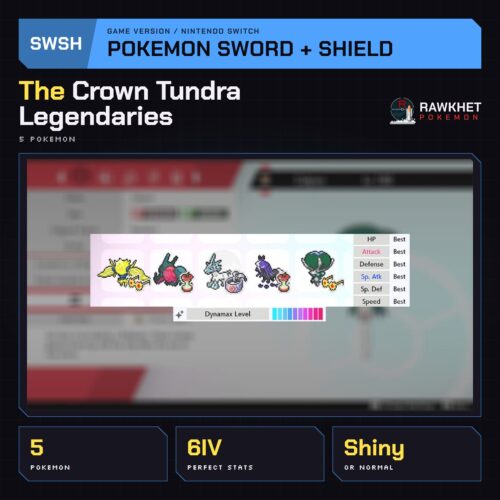
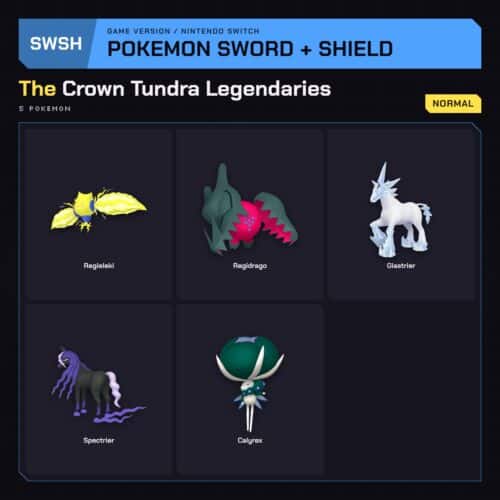
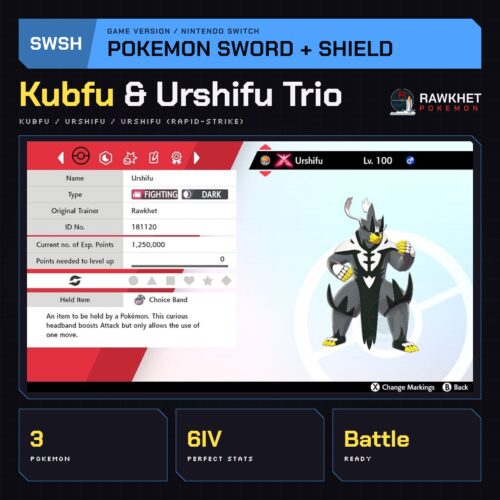
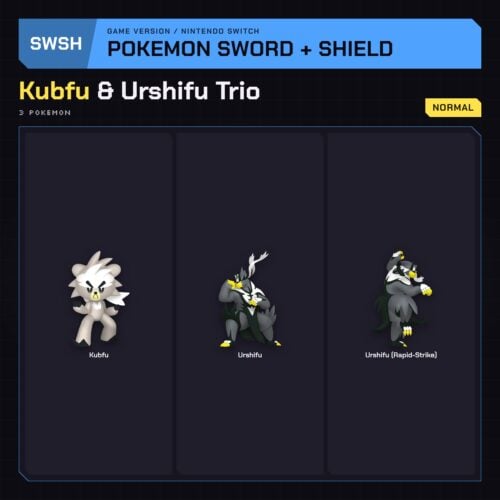
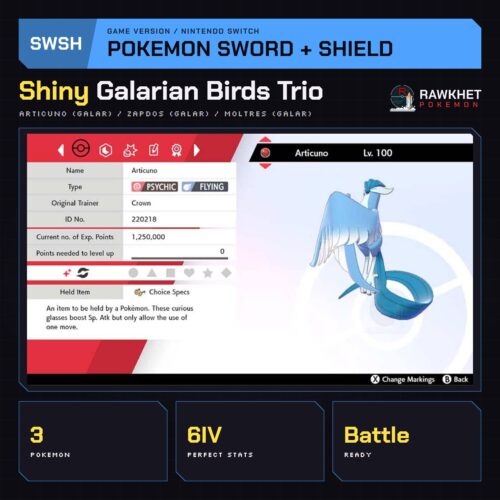
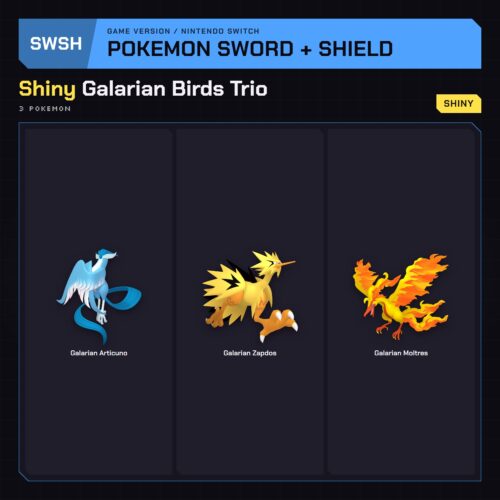
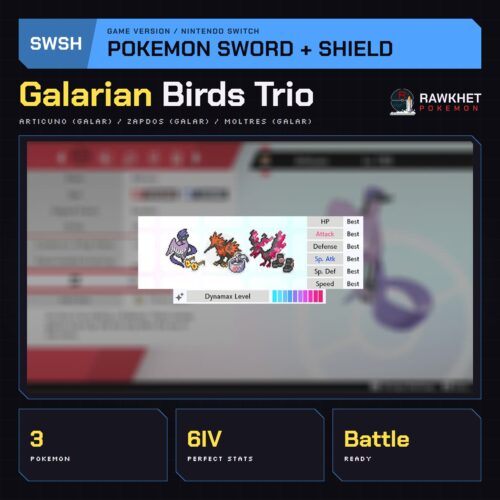
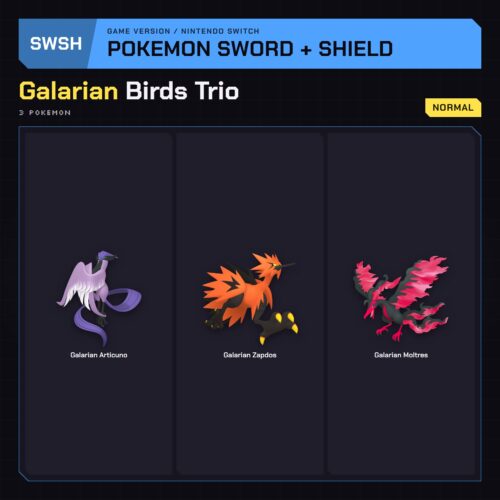
Traveling through space and time
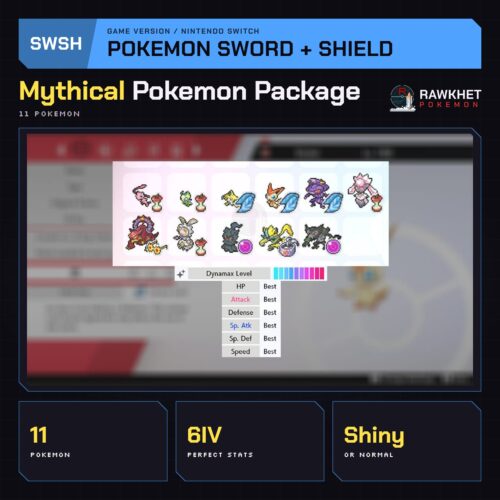
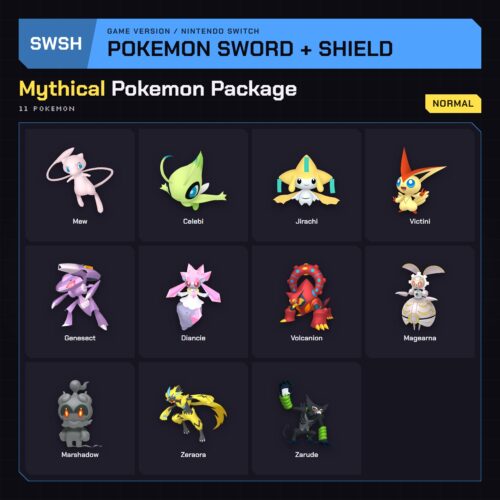
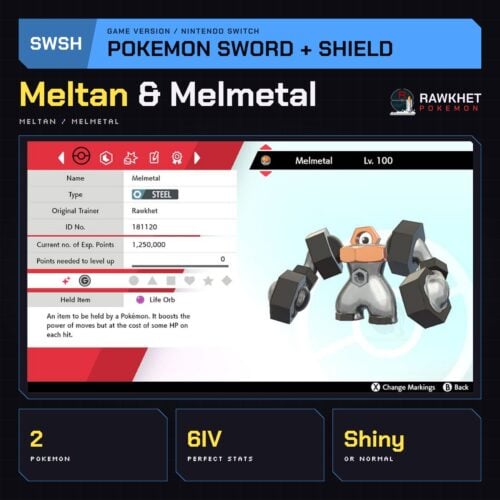
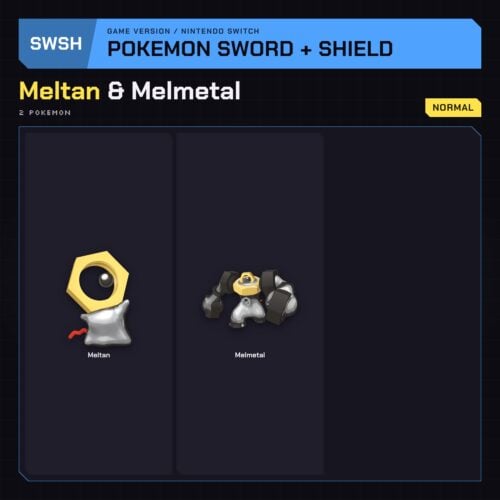
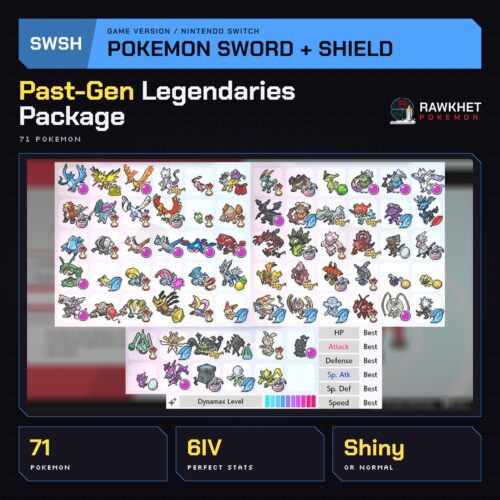
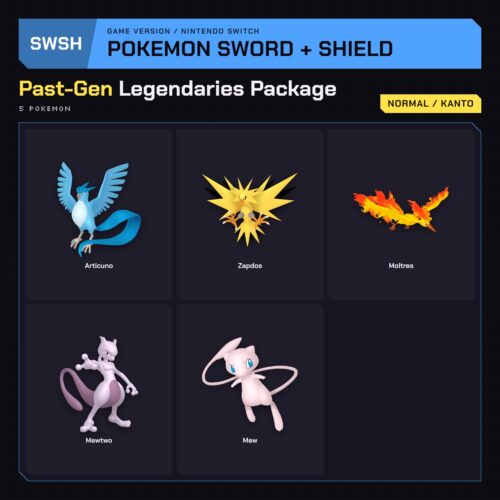
Past-Gen Legendaries Package (71x) – Pokemon Sword and Shield
Price range: $18.00 through $70.00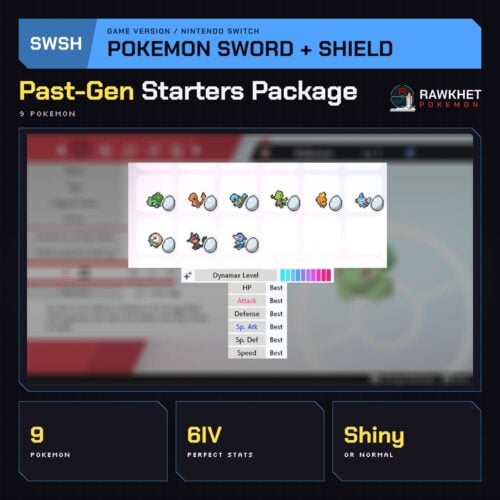
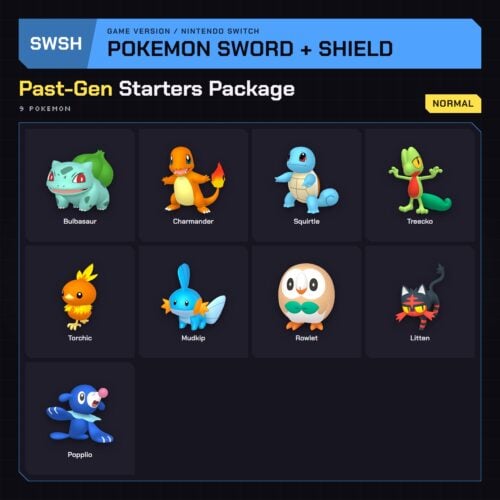
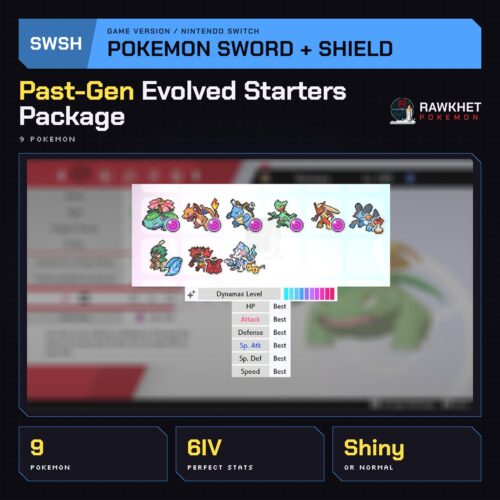
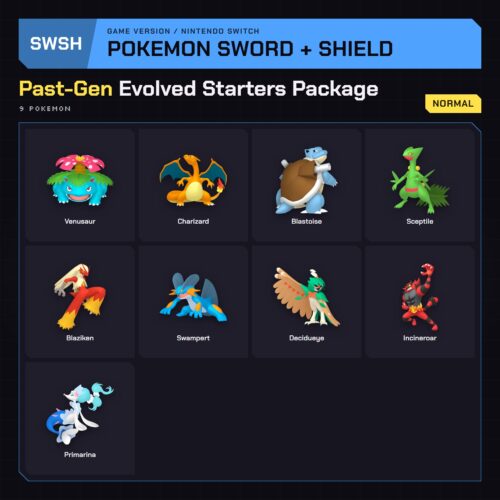
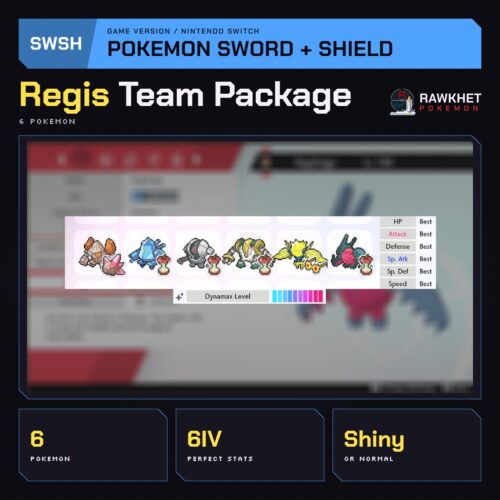
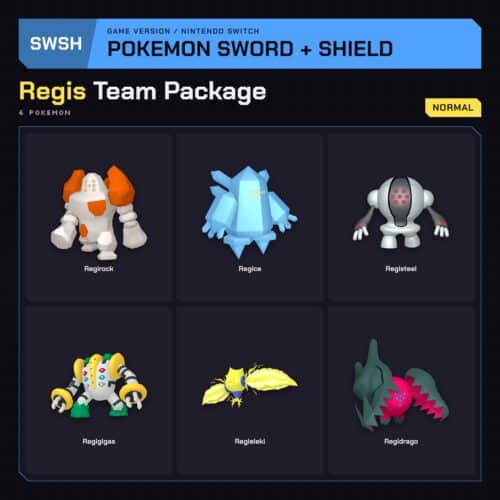
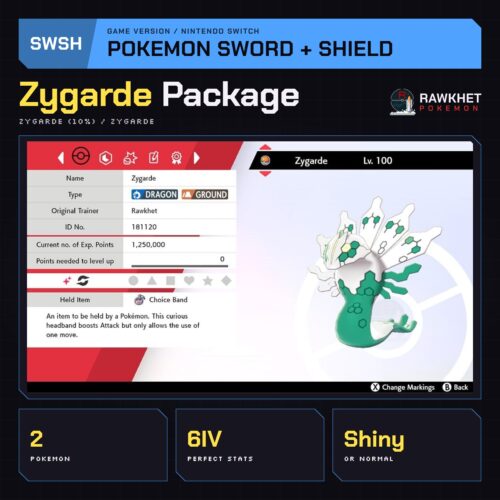
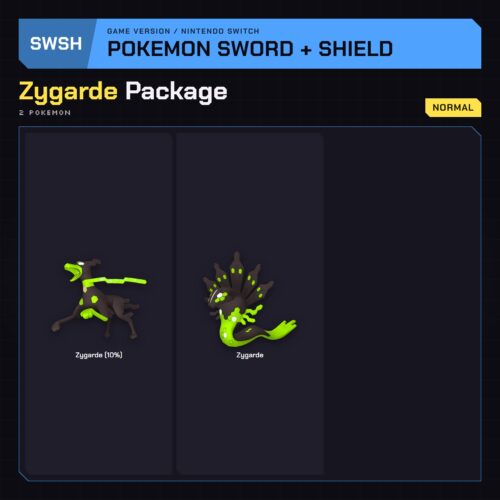
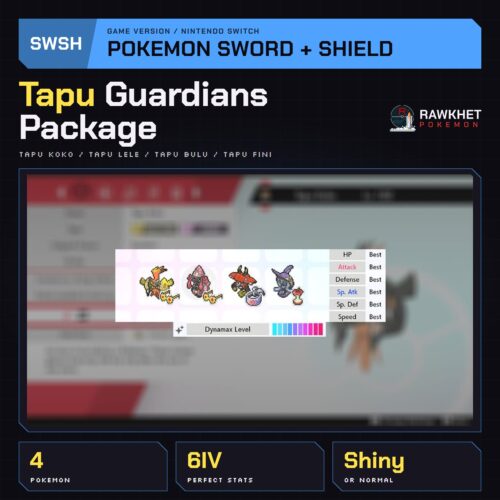
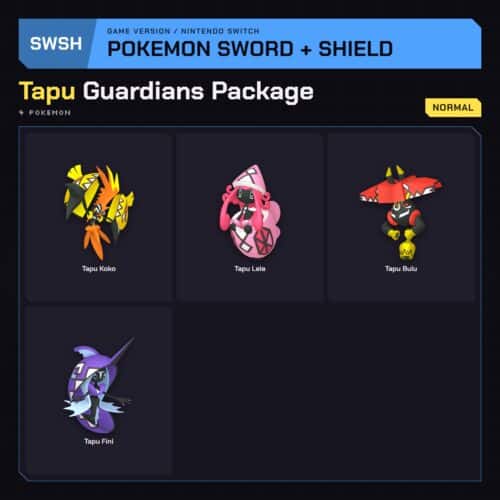
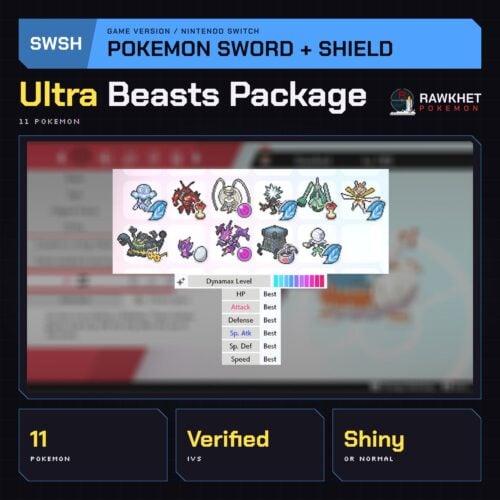
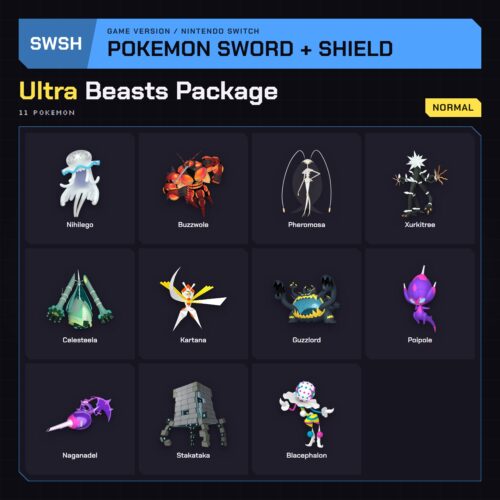
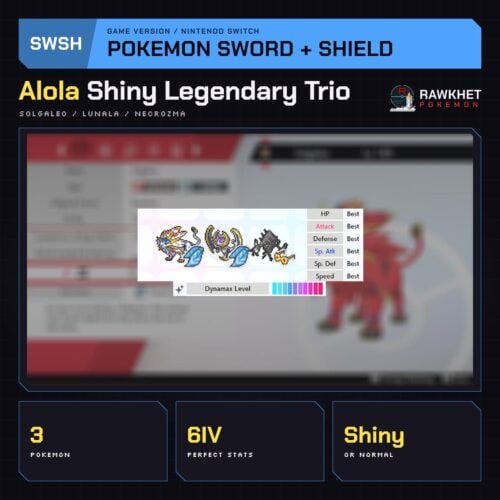
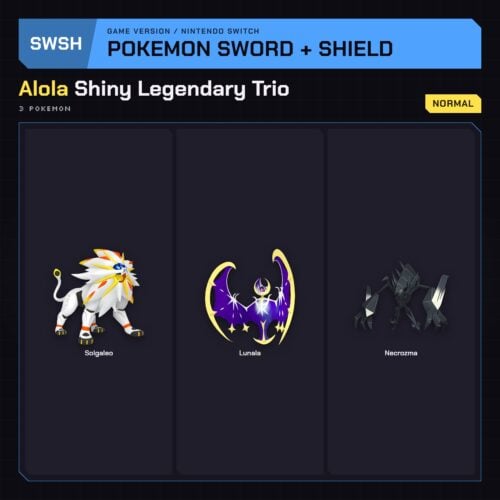
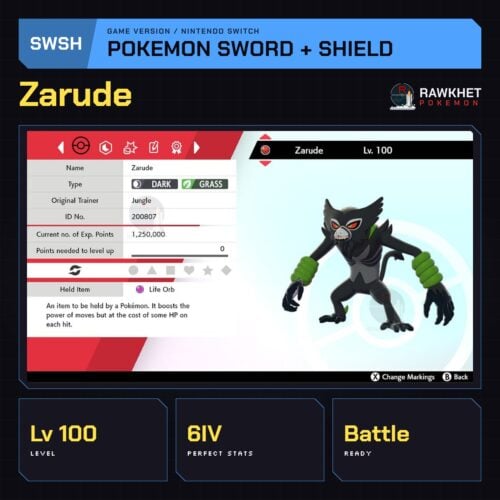
Spotlights on highly sought Pokemon
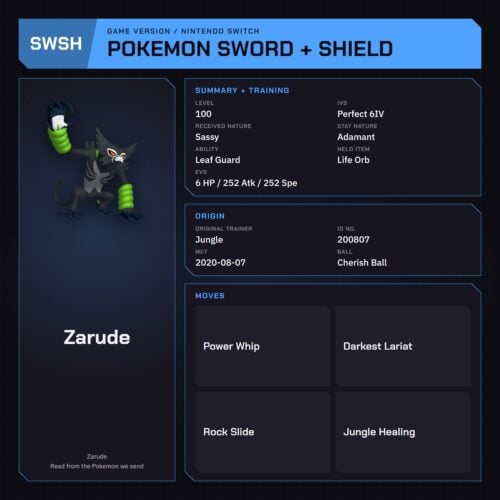
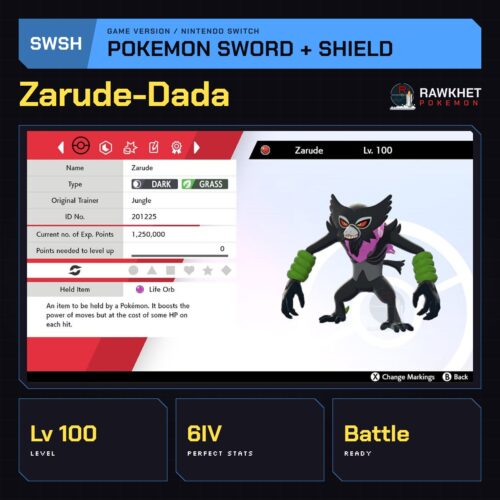
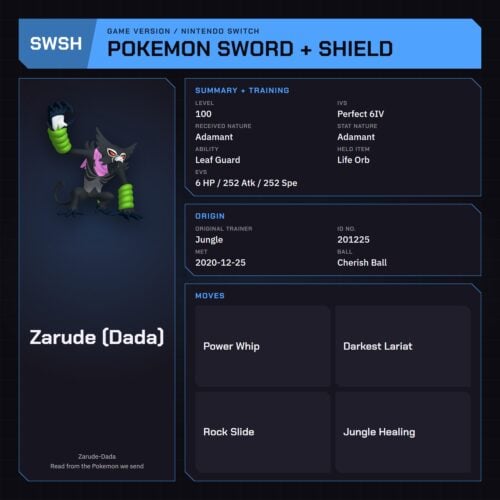
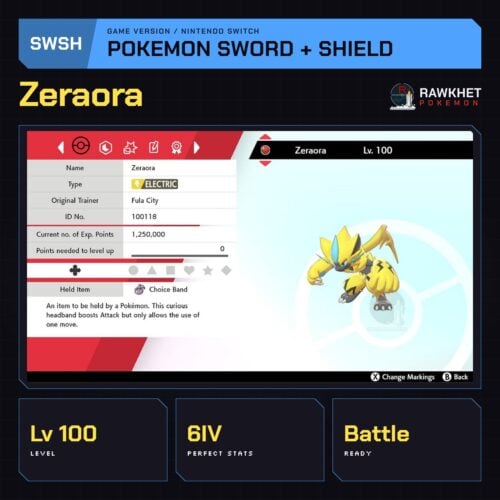
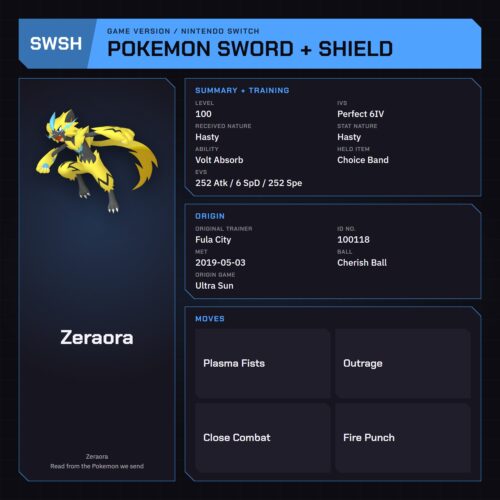
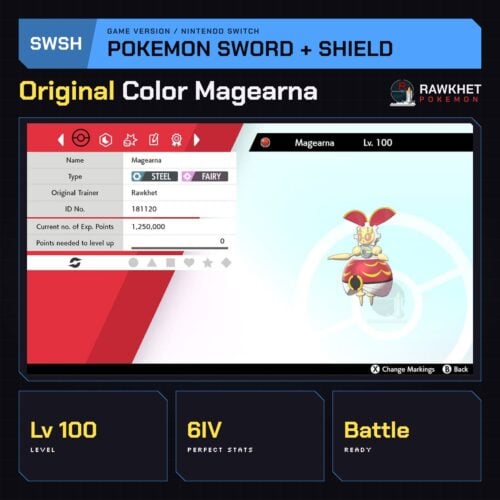
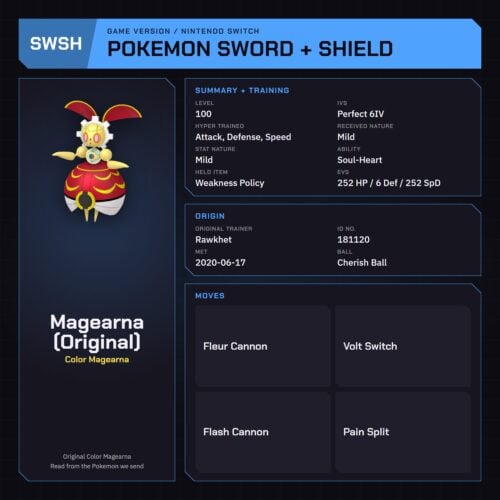
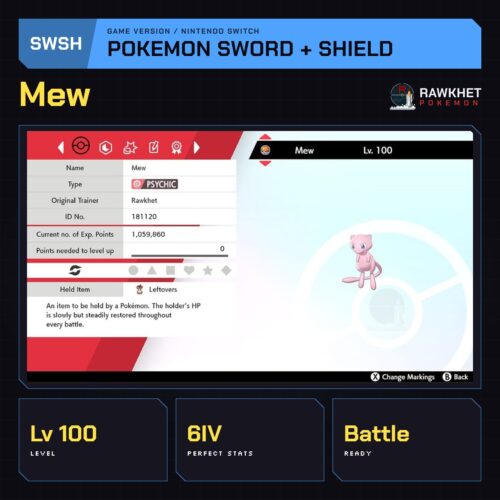
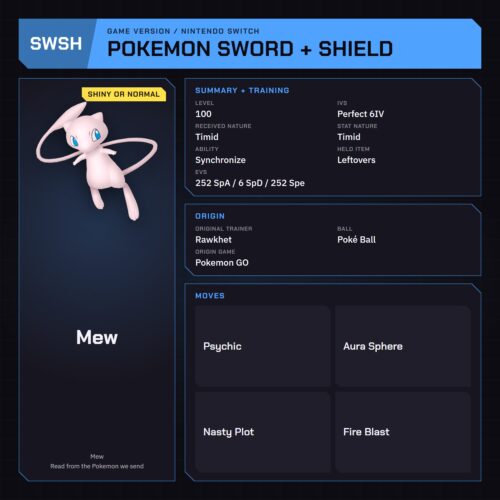
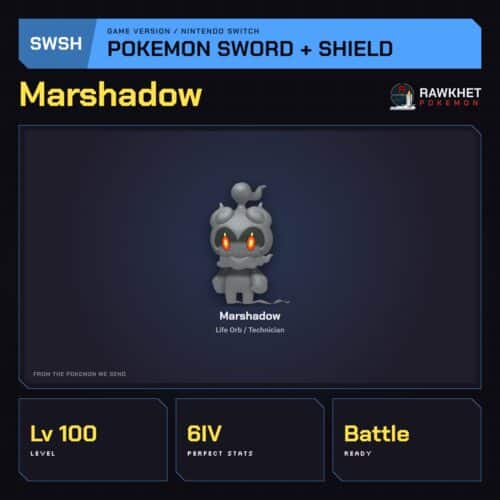
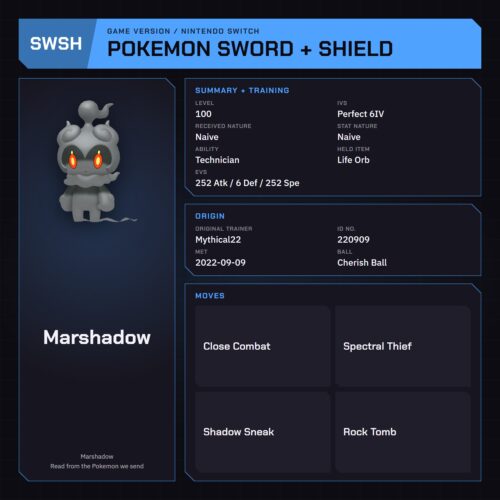
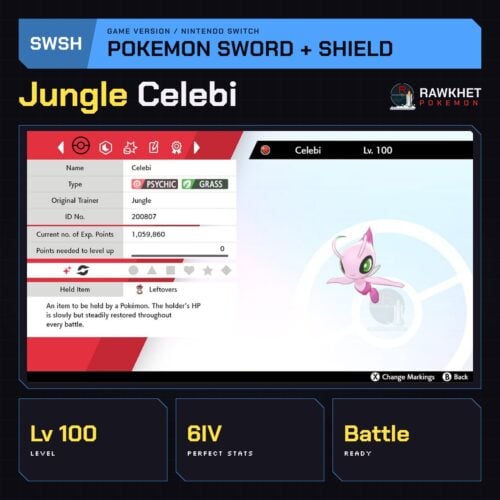
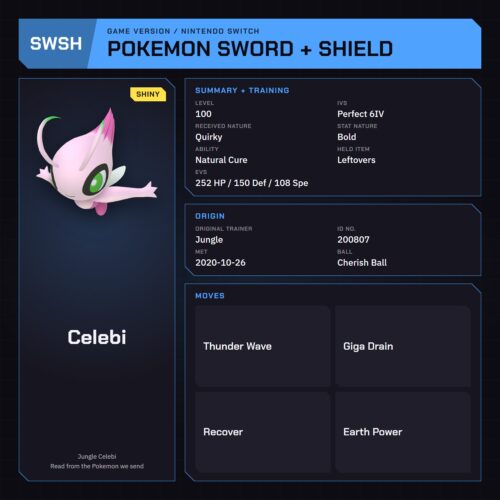
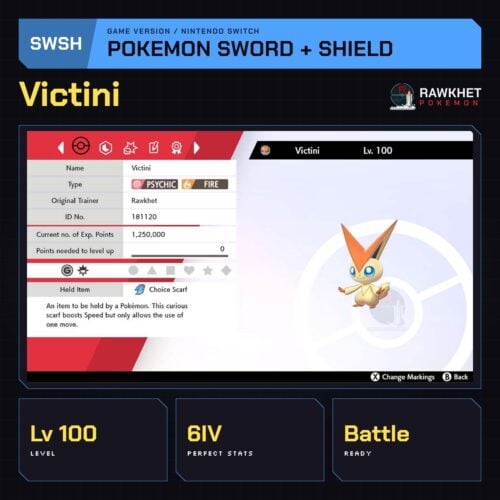
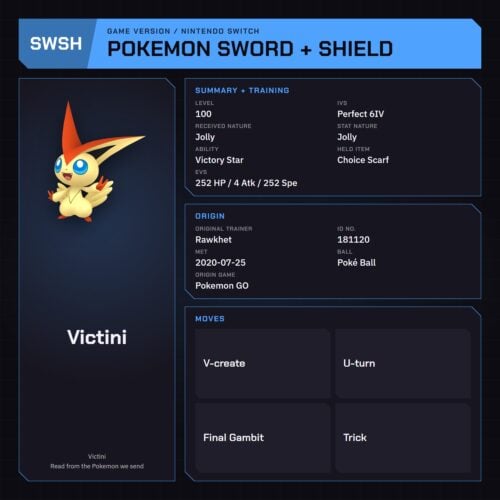
How to trade in Sword and Shield
Y-Comm Link Trade, step by step.
Before you startYou need a Nintendo Account and an active Nintendo Switch Online membership to trade. Your Switch Friend Code isn’t needed.
- Press Y to open the Y-Comm.
- Press + to connect to the internet. The top right should say “Internet”.
- Choose Link Trade, then Set Link Code.

- Open the collection link in your ready email and enter the Link Code shown on the trade page. For a staff-arranged trade, use the code the team sent you.

- Wait for the trade to connect. Stay in the overworld and don’t open any menus. It should say “Searching…” at the bottom left.
- If it doesn’t connect, follow the retry and help steps on your trade page. For a staff-arranged trade, reply if we haven’t connected within a minute (no need to retry) so we can try another code.
Connection checkRun a Test Connection on your Switch (System Settings, Internet, Test Connection). Your NAT Type needs to be A, B or C, with A or B ideal. NAT Types D and F can’t connect to other players, and phone hotspots, public WiFi and work networks are usually NAT Type D. Try a different network, or see Nintendo Support.
Before you trade, check the Pokemon you should never trade back. Trading in another game? The Trade Guide covers every game. Delivery questions: see the FAQ.
Sword and Shield questions
Quick answers before you order.
By Link Trade over the Y-Comm. Press Y, connect with +, choose Link Trade and Set Link Code, then enter the Link Code from the collection link in your ready email and wait in the overworld.
A Nintendo Account and an active Nintendo Switch Online membership. You don’t need your Friend Code or in-game Card Code.
Most orders are prepared automatically and ready about a minute after payment. Orders with notes or unusual requests are checked by a person, within 12 hours.
Check your NAT Type with a Test Connection in System Settings. It must be A, B or C. Phone hotspots, public WiFi and work networks are usually NAT Type D, which can’t connect to other players.
All 34 Gigantamax Pokemon for Sword and Shield, with held items, max Dynamax Level and a Shiny or Normal choice, for $50.
Yes. Custom Pokemon for Sword and Shield cost $6 to $30, built in the Rawkhet Teambuilder.
Updated November 2, 2026.
Collecting? Living Dexes, straight to HOME.
Complete Living Dexes and legendary sets delivered into your own Pokemon HOME account.