







Galarian Birds Trio (3x, 6IV, Battle Ready) – Pokemon Sword and Shield
$12.00
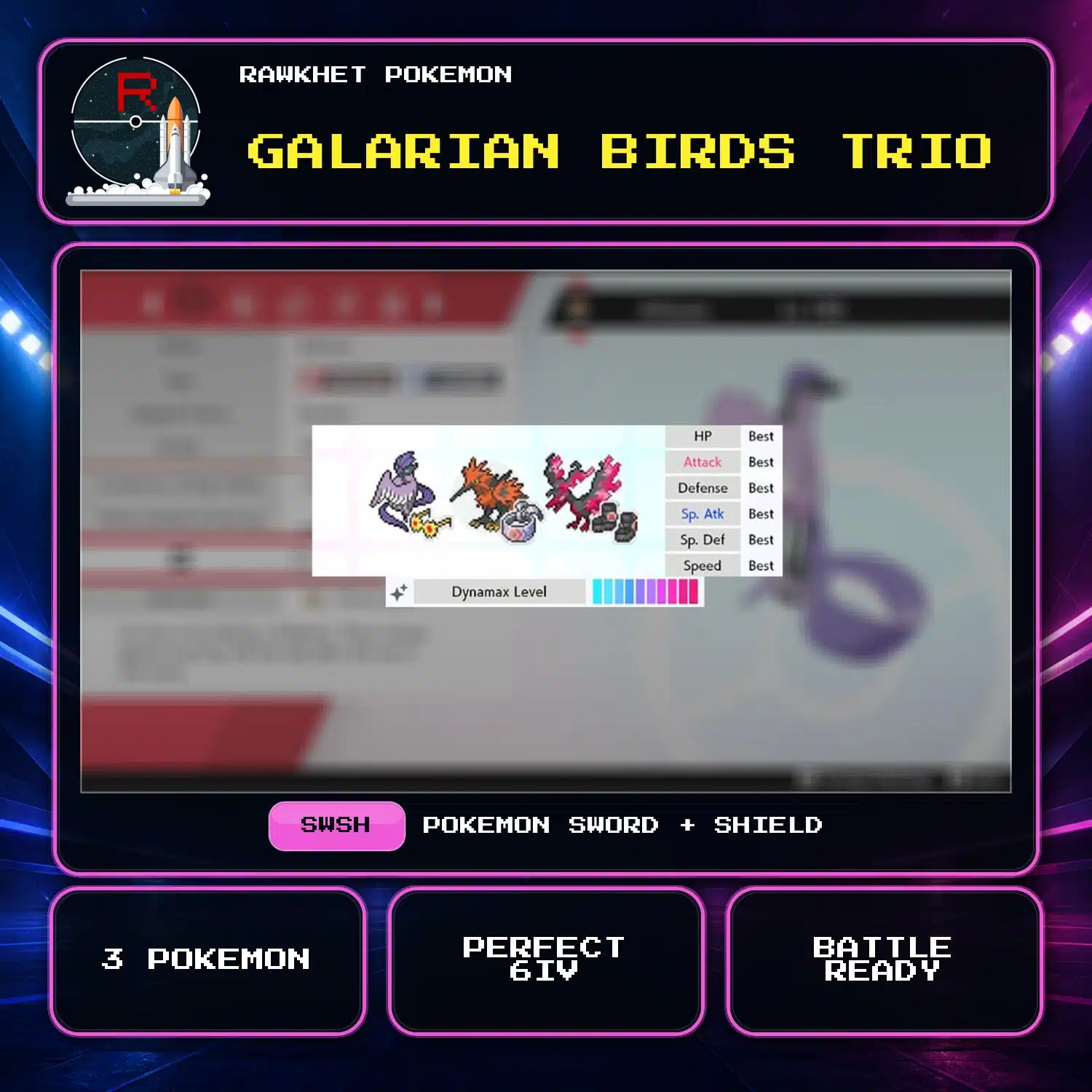
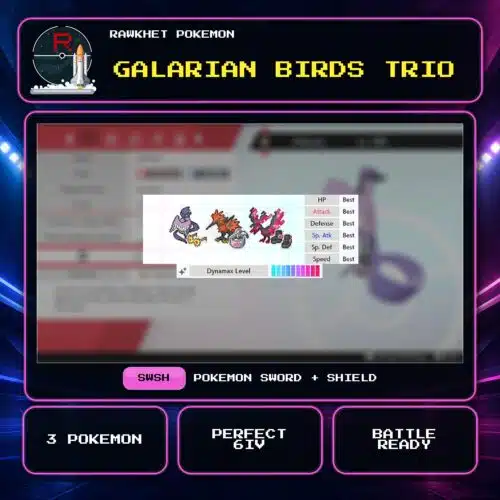
Get normal Galarian Articuno, Zapdos, and Moltres for Pokemon Sword and Shield. All three are level 100 with fixed, battle-ready builds and perfect 6IV stats.
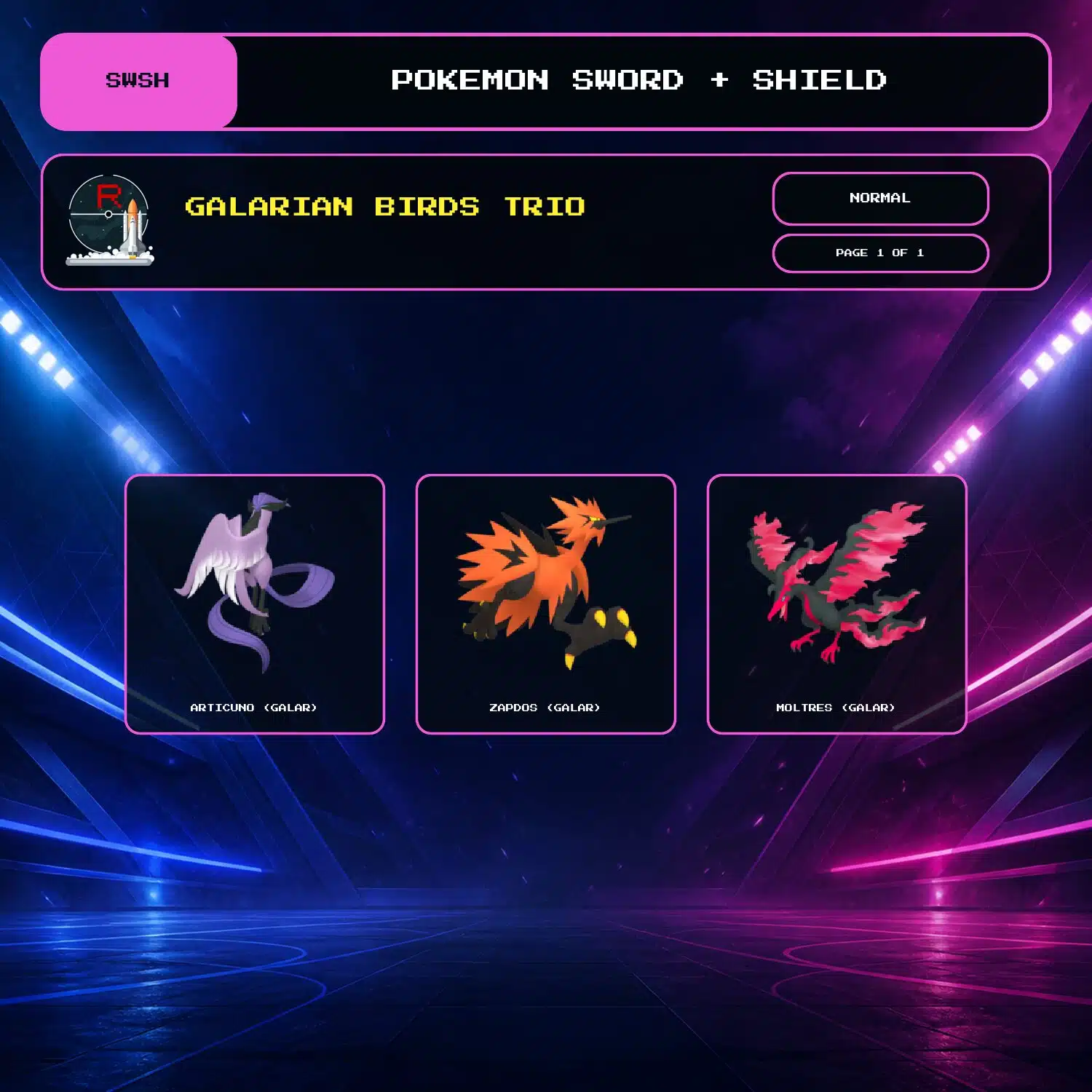
Galarian Articuno, Zapdos, and Moltres
This package includes the normal Galarian forms of Articuno, Zapdos, and Moltres for Pokemon Sword and Shield. All three are level 100, battle ready, and have perfect 6IV stats.
Fixed builds
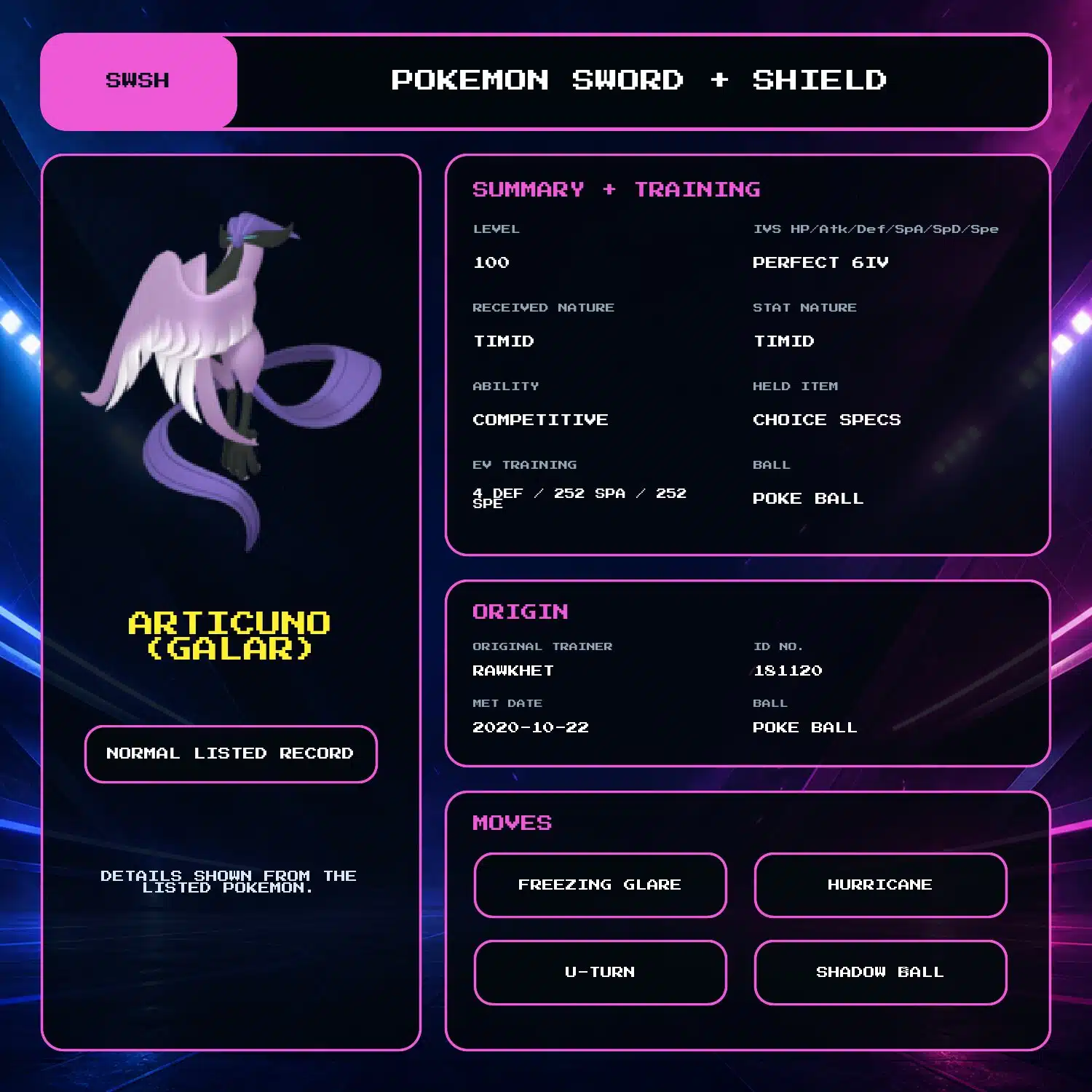
Galarian Articuno
- Received Nature: Timid
- Stat Nature: Timid (Speed increased, Attack decreased)
- Ability: Competitive
- Held item: Choice Specs
- Moves: Freezing Glare, Hurricane, U-turn, and Shadow Ball
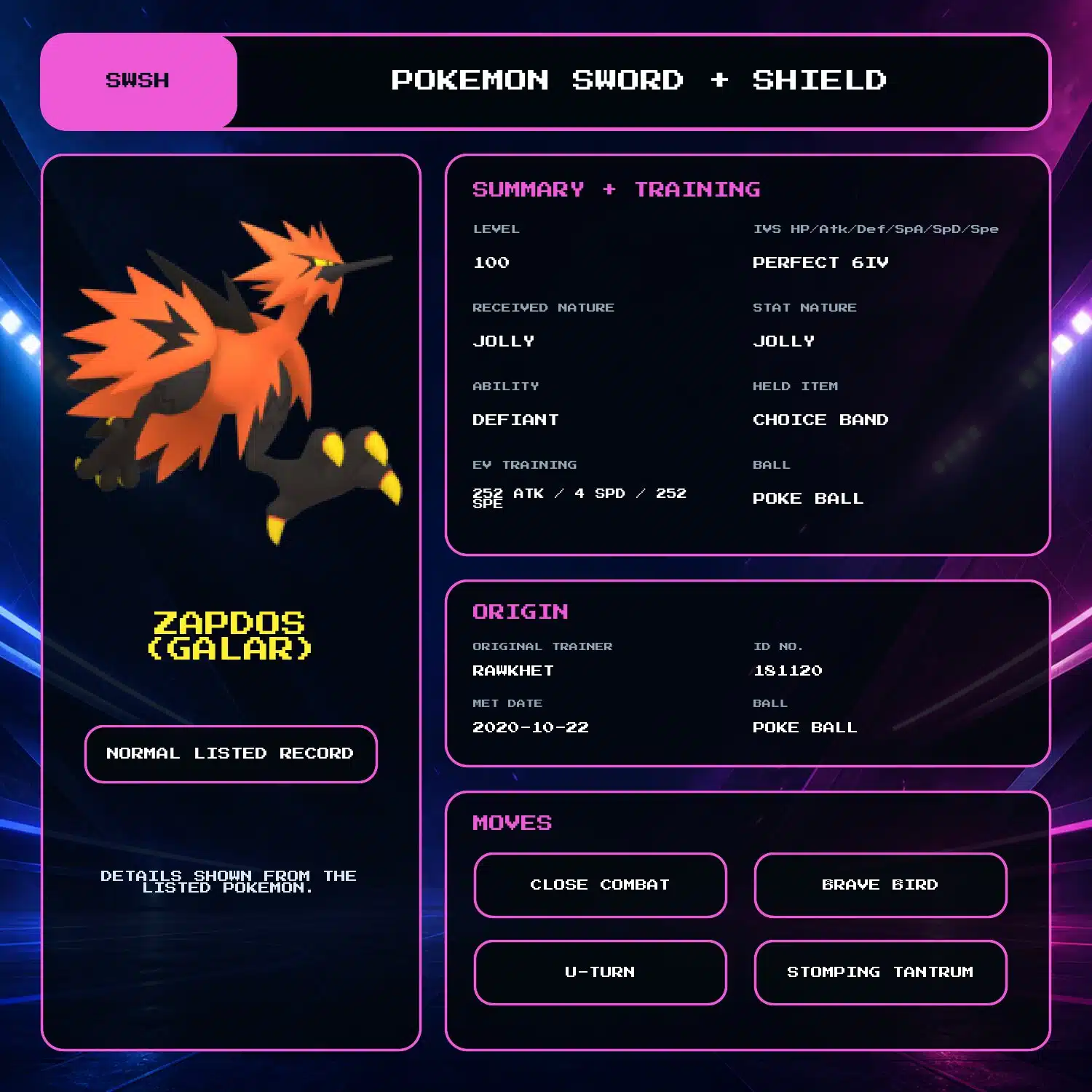
Galarian Zapdos
- Received Nature: Jolly
- Stat Nature: Jolly (Speed increased, Special Attack decreased)
- Ability: Defiant
- Held item: Choice Band
- Moves: Close Combat, Brave Bird, U-turn, and Stomping Tantrum
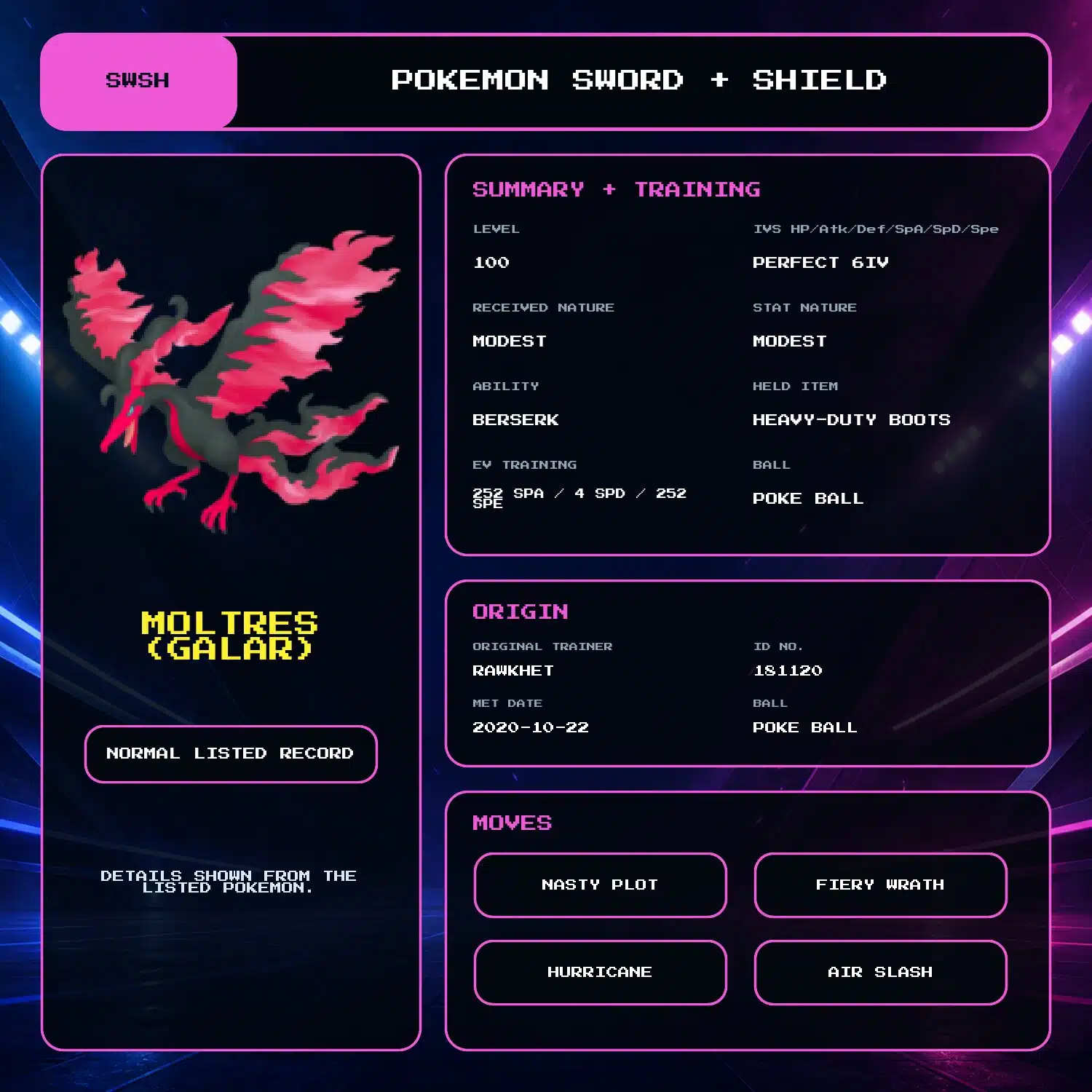
Galarian Moltres
- Received Nature: Modest
- Stat Nature: Modest (Special Attack increased, Attack decreased)
- Ability: Berserk
- Held item: Heavy-Duty Boots
- Moves: Nasty Plot, Fiery Wrath, Hurricane, and Air Slash
Options and delivery
The builds are fixed. The only available customization is the optional Trainer Name add-on shown on this page. For the Shiny event records, see the Shiny Galarian Birds Trio.
The trio is delivered through Y-Comm Link Trade in three trades. You need a Nintendo Account, Nintendo Switch Online, and three Pokemon to trade in return. See the Sword and Shield Trade Guide for the collection steps.
5 reviews for Galarian Birds Trio (3x, 6IV, Battle Ready) – Pokemon Sword and Shield
Preparation: eligible in-game orders can prepare automatically after payment. We will email you a collection link when an automatic order is ready. Pokemon HOME, Let's Go, and orders needing review are handled manually, usually within 24 hours. See the preparation and collection FAQ for details.
Legitimacy: every Pokemon we send is legal and passes legality checks. Safe for online play and ranked battles. Since 2016 we have completed over 450,000 trades with zero reported bans. Some Pokemon cannot be moved into Pokemon Home. Where that affects a listing, its description says so, and the Home Restrictions page has the details.
What you'll need: your game, a Nintendo Account, and a Nintendo Switch Online subscription. Pokemon Home orders need a Home Premium plan instead.
Our guarantee: if we can't complete your order due to a fault on our side, you get your money back. The full policy is in the FAQ, and the Trade Guide walks you through your first trade.
Please fill out the form below with your questions about this product.
To trade in Pokemon Sword and Shield, you'll need a Nintendo Account and an active Nintendo Switch Online subscription. Your Switch Friend Code and in-game Card Code are unnecessary.
- Press the [Y] button to open the Y-Comm.
- Press [+] to connect to the Internet. The top right should say "Internet".
- Choose Link Trade and then Set Link Code.
- Open the collection link in your ready email. When prompted, enter the Link Code shown on the trade page. For a staff-arranged trade, use the code sent by the team.
- Wait for the trade to be established. Stay in the overworld and do not open any menus. It should say "Searching..." at the bottom left.
- For collection-link orders, follow the retry and help instructions on your trade page. For a staff-arranged trade, if we don't connect within a minute, reply to let us know (no need to retry) so we can try another code.


Please ensure you have a stable Internet connection to trade. To check if you can trade online with Rawkhet (and others), do a Test Connection on your Switch (System Settings > Internet > Test Connection) and ensure that your NAT Type is A, B, or C (where A/B is ideal).
NAT Type D and F will NOT be able to connect with other players. Mobile hotspots from your iOS or Android device, public WiFi, and work/enterprise WiFi are usually NAT Type D. Use a different network or find troubleshooting steps on Nintendo Support.
Related products


Jimmy Zeng –
Quickest and easiest transaction ever! Less than 10 hours!
Ayre –
Amazing service as always! The pokemon are exactly as listed and the service was very quick
N1che –
Once again Rawkhet hasnt let me down, thank you again for the pokemon and quality service!! 😀
Michael –
Fast and reliable trading!
LUNCHBOX –
Look for everyone that thinks this’s fake or, too good to be true! This is best way to get online battle ready pokemon ever! I’ve been here for awhile and, I’ve never been disappointed. Even if the trade messes up they have the patience to wait again. I’m on Eastern Time so sometimes it makes trading difficult but, i’ve gotten a couple of custom pokemon from here, got the legendary packs, got some mythical, and they’re very fun to play with and great for online to fight players. i will be a recurring customer for a very long time!