





Due to unforeseen circumstances, we are unable to fulfill ALL Home orders until Oct 20. Please keep this in mind when placing orders. Apologies for the inconvenience.
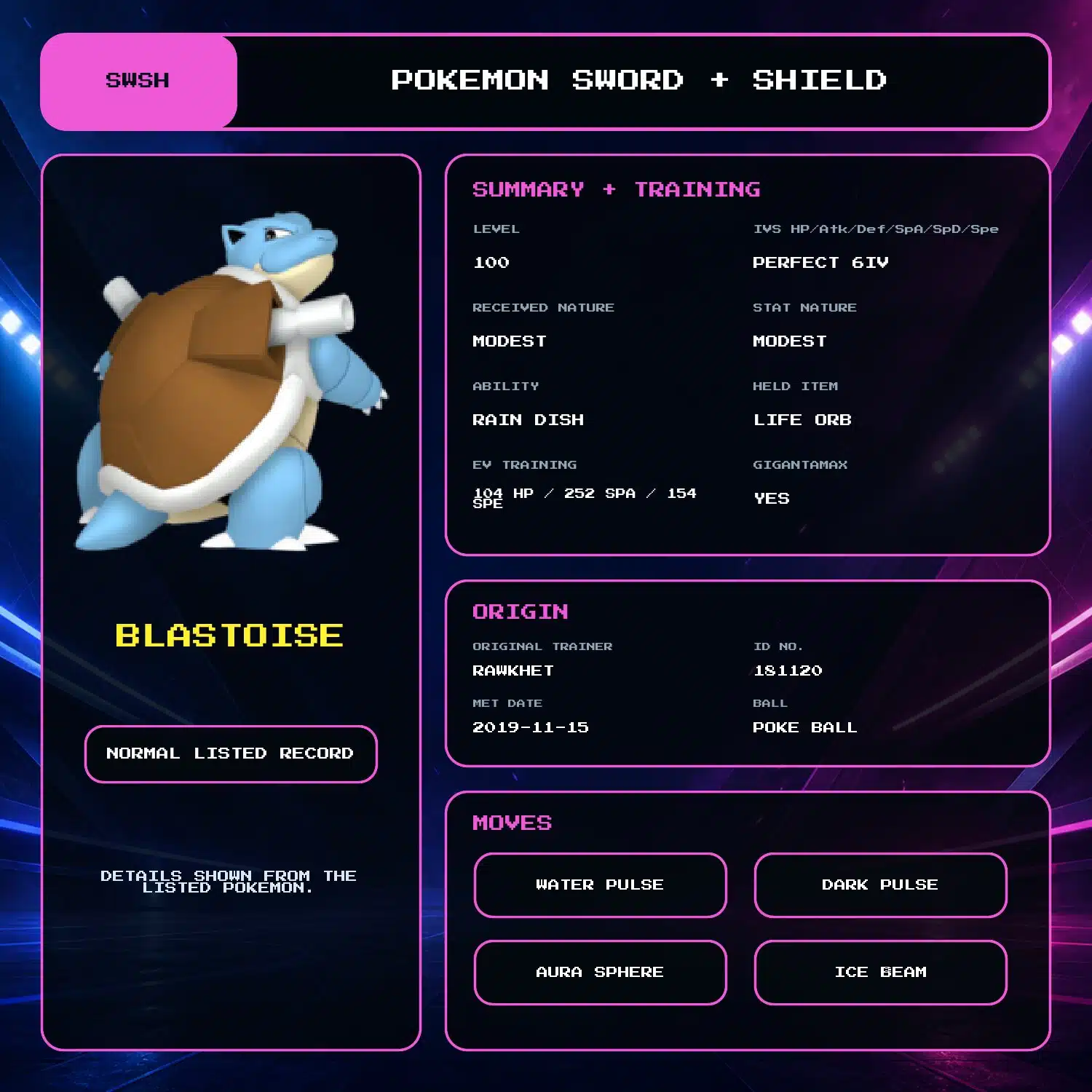
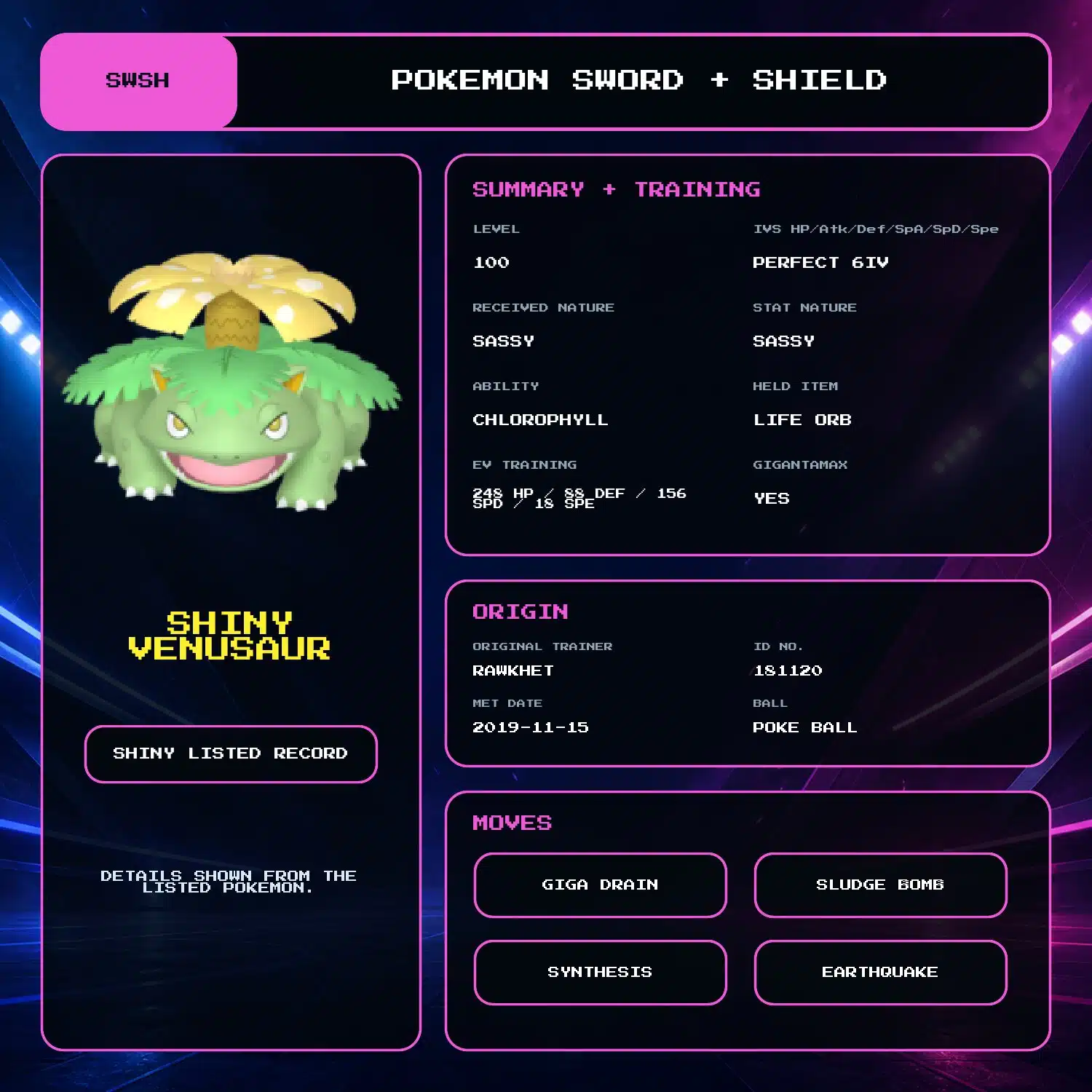
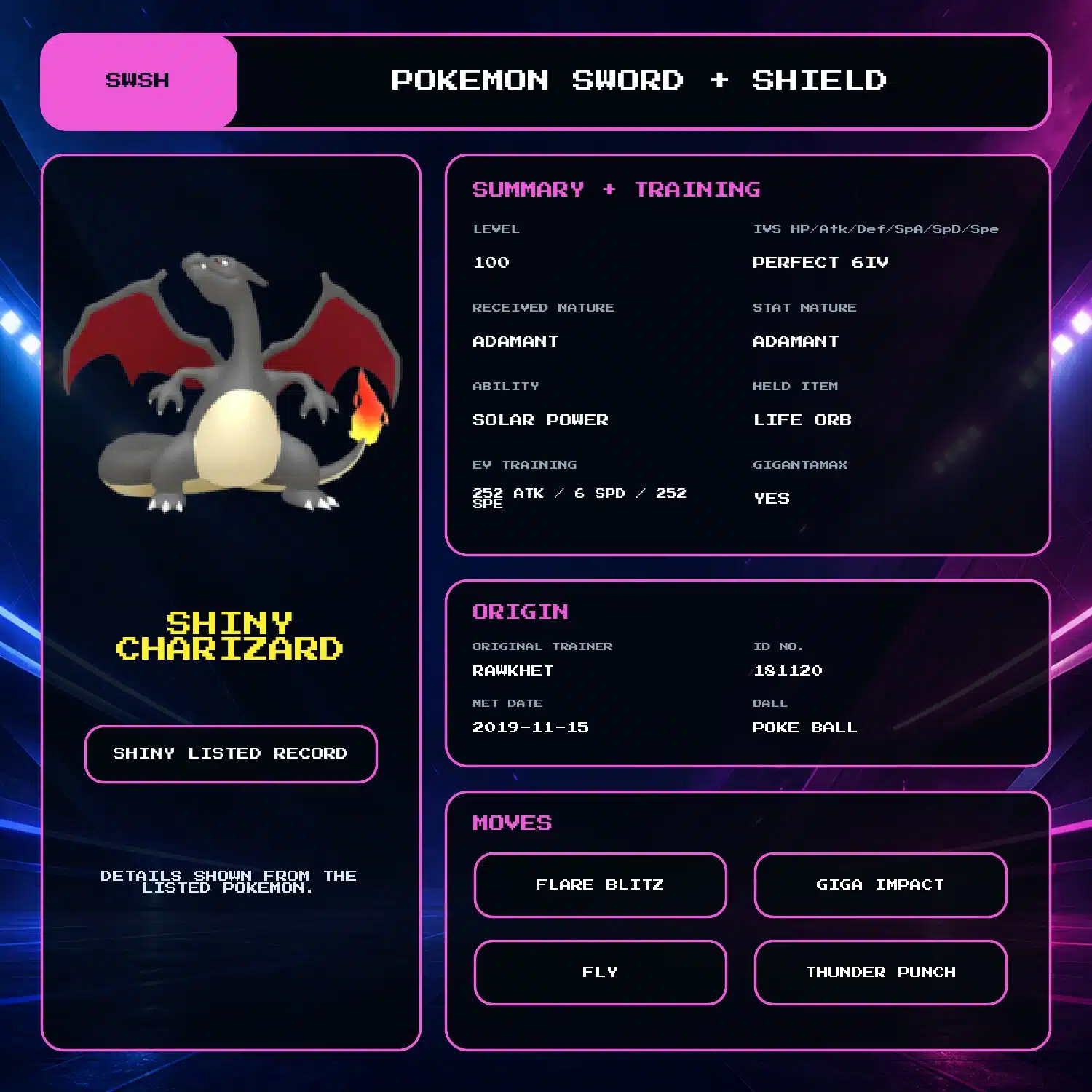
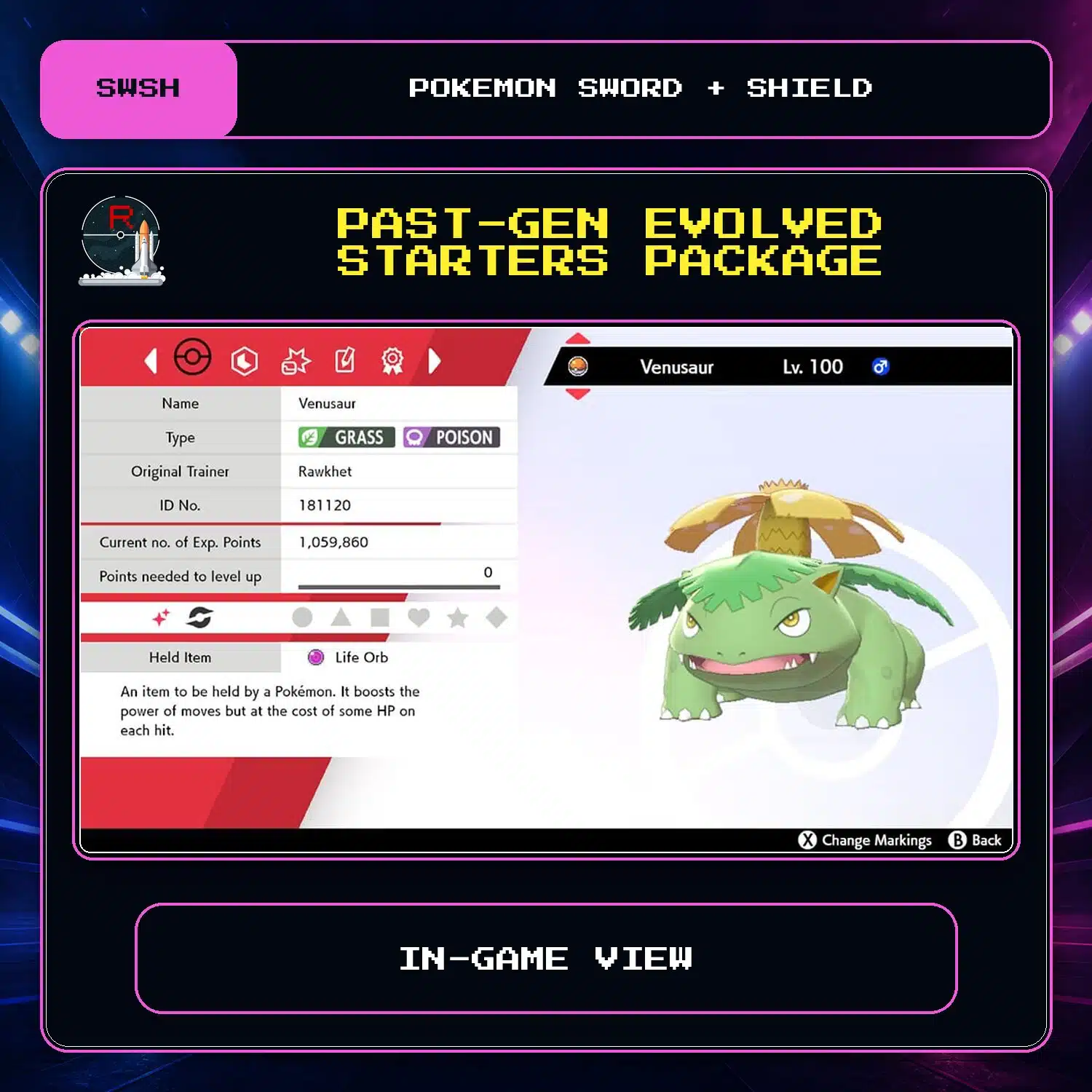
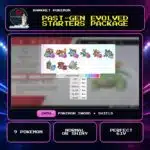

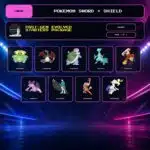
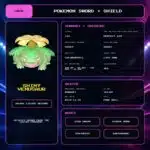
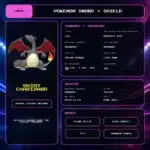
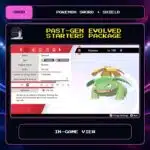


Past-Gen Evolved Starters Package (9x, 6IV, Shiny, Battle Ready) – Pokemon Sword and Shield
$30.00
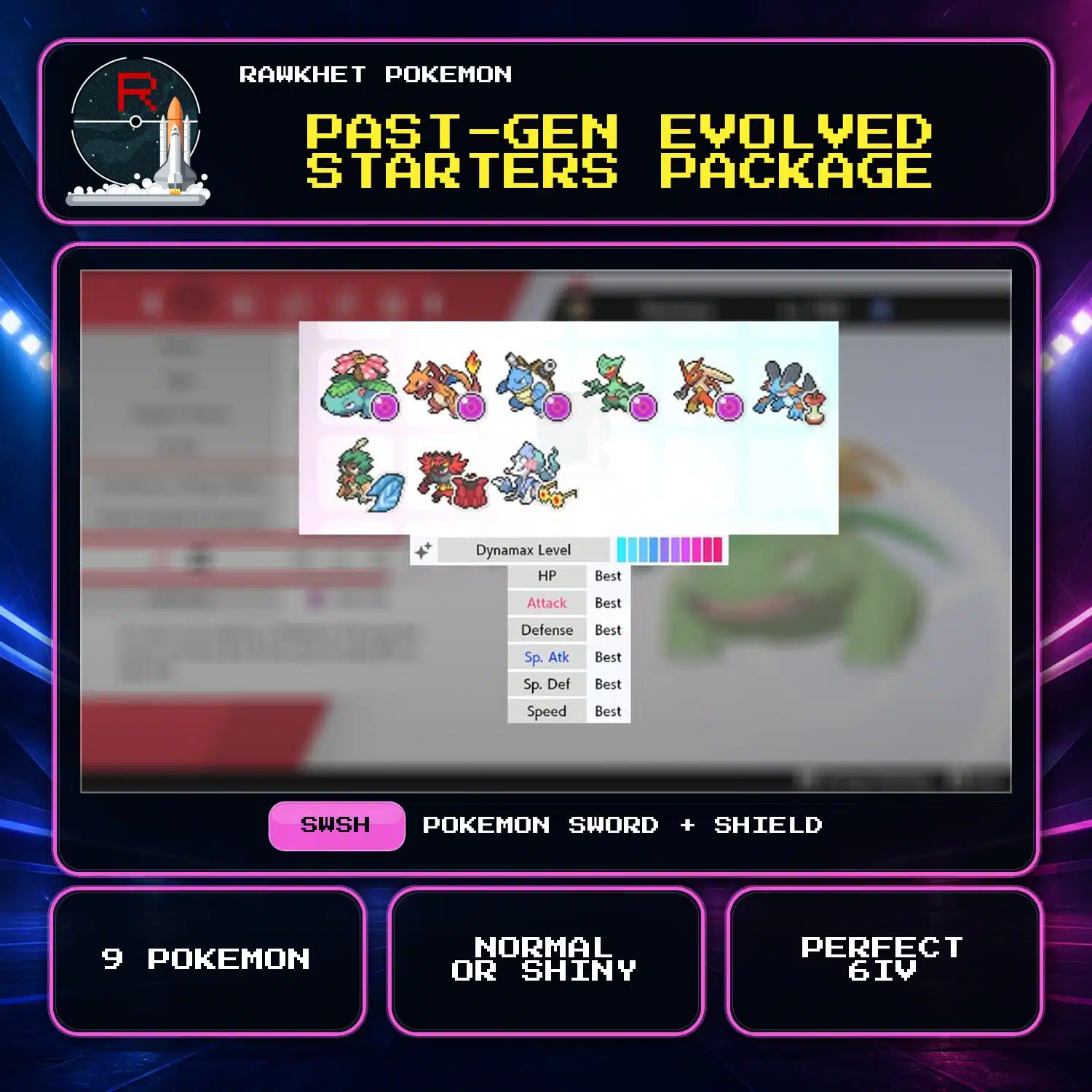
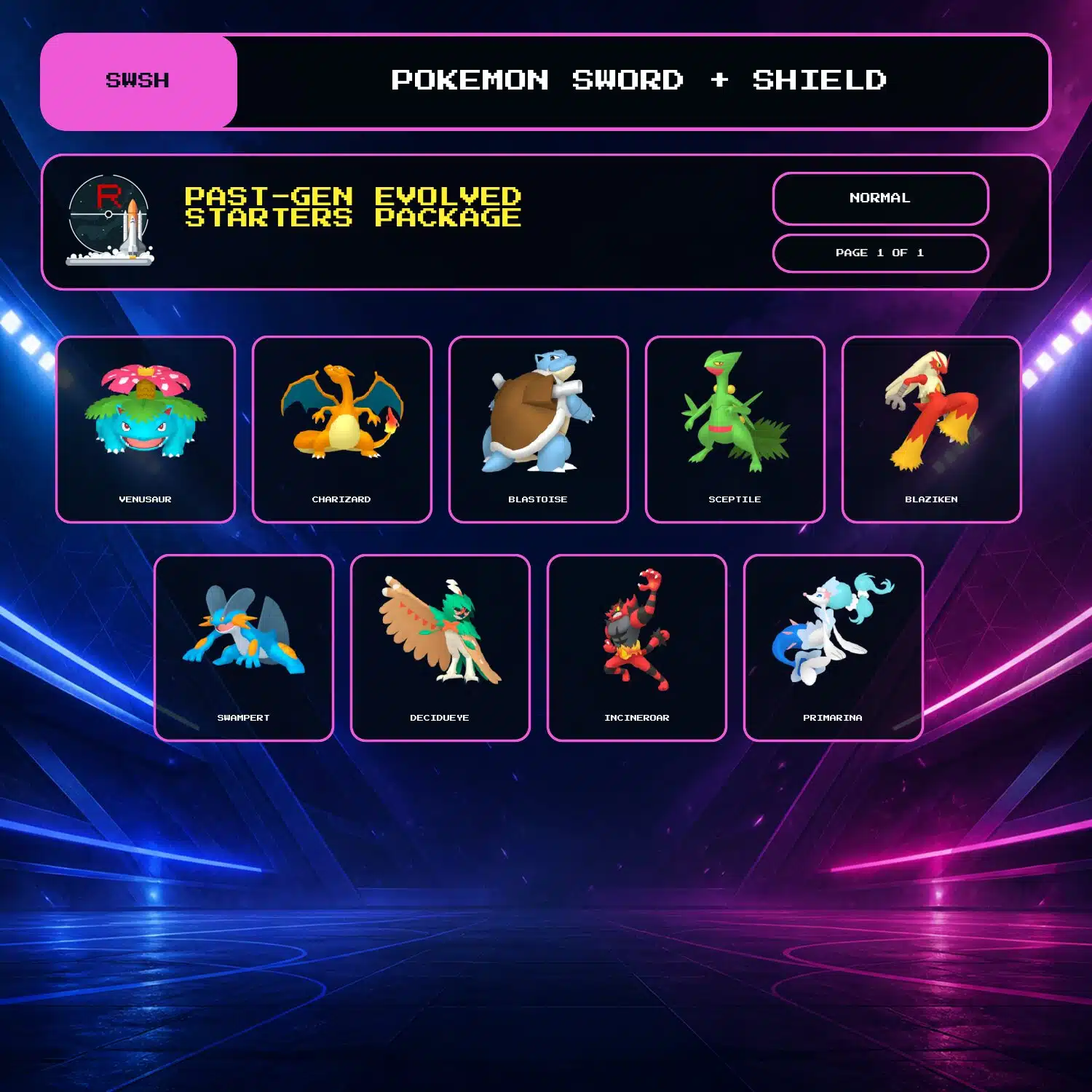
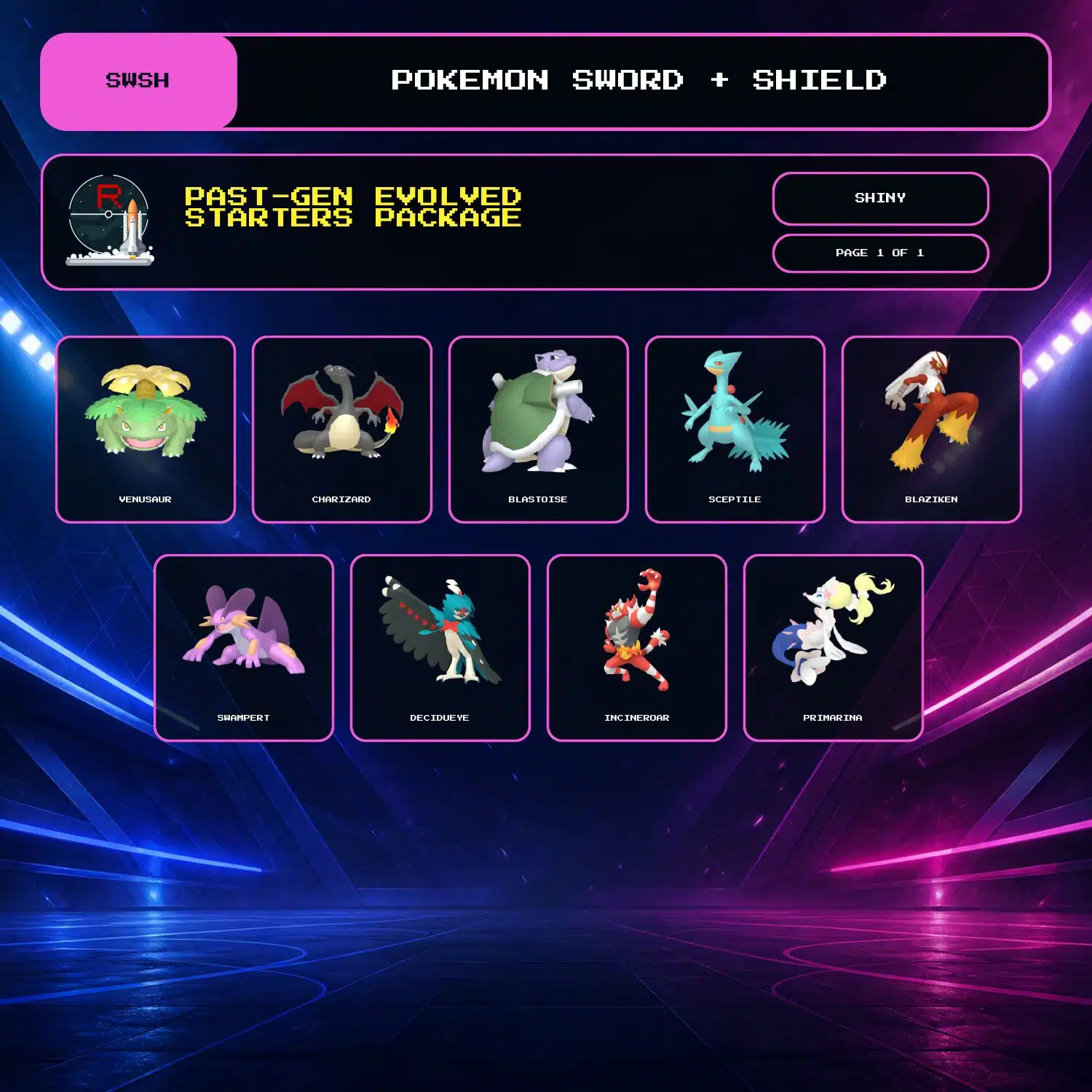
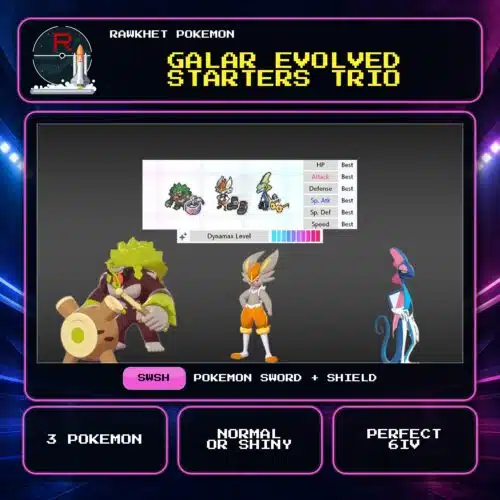
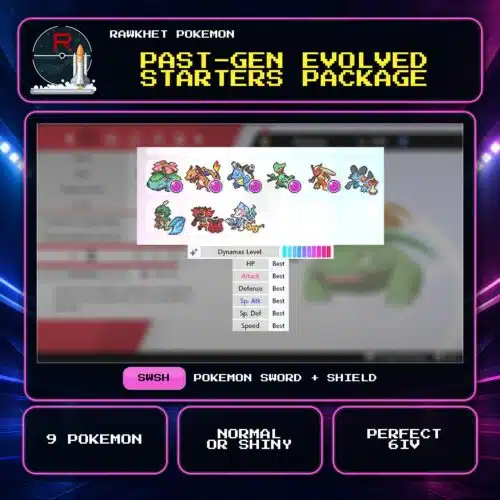
Get Venusaur, Charizard, Blastoise, Sceptile, Blaziken, Swampert, Decidueye, Incineroar, and Primarina for Pokemon Sword and Shield. Choose Shiny or Normal; all nine are level 100, perfect 6IV, fully EV-trained builds.
Nine evolved starter Pokemon for SWSH
This package includes Venusaur, Charizard, Blastoise, Sceptile, Blaziken, Swampert, Decidueye, Incineroar, and Primarina. Choose Shiny or Normal.
Fixed level 100 builds
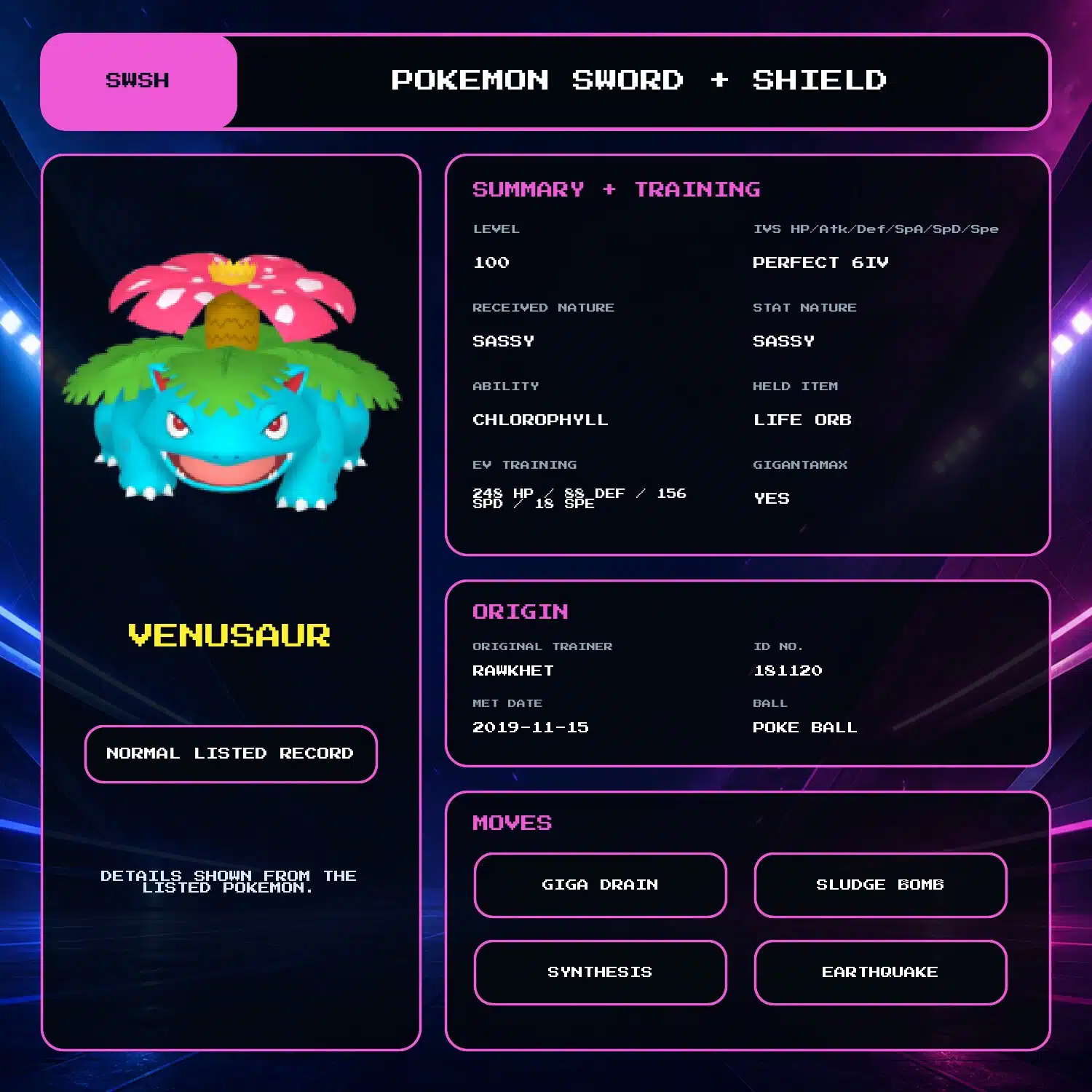
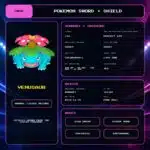
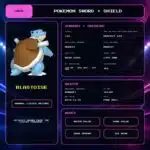
All nine have perfect 6IV stats, full EV training, matching received and stat Natures, max Dynamax level, and fixed abilities, held items and moves. Venusaur, Charizard, and Blastoise are Gigantamax eligible.
The optional Trainer Name change applies to the full package. Other build details are fixed.
Delivery
The package is delivered through Y-Comm Link Trade in Pokemon Sword and Shield. You need a Nintendo Account, Nintendo Switch Online, and nine Pokemon to trade in return. See the Sword and Shield Trade Guide for the collection steps.
11 reviews for Past-Gen Evolved Starters Package (9x, 6IV, Shiny, Battle Ready) – Pokemon Sword and Shield
Preparation: eligible in-game orders can prepare automatically after payment. We will email you a collection link when an automatic order is ready. Pokemon HOME, Let's Go, and orders needing review are handled manually, usually within 24 hours. See the preparation and collection FAQ for details.
Legitimacy: every Pokemon we send is legal and passes legality checks. Safe for online play and ranked battles. Since 2016 we have completed over 450,000 trades with zero reported bans. Some Pokemon cannot be moved into Pokemon Home. Where that affects a listing, its description says so, and the Home Restrictions page has the details.
What you'll need: your game, a Nintendo Account, and a Nintendo Switch Online subscription. Pokemon Home orders need a Home Premium plan instead.
Our guarantee: if we can't complete your order due to a fault on our side, you get your money back. The full policy is in the FAQ, and the Trade Guide walks you through your first trade.
Please fill out the form below with your questions about this product.
To trade in Pokemon Sword and Shield, you'll need a Nintendo Account and an active Nintendo Switch Online subscription. Your Switch Friend Code and in-game Card Code are unnecessary.
- Press the [Y] button to open the Y-Comm.
- Press [+] to connect to the Internet. The top right should say "Internet".
- Choose Link Trade and then Set Link Code.
- Open the collection link in your ready email. When prompted, enter the Link Code shown on the trade page. For a staff-arranged trade, use the code sent by the team.
- Wait for the trade to be established. Stay in the overworld and do not open any menus. It should say "Searching..." at the bottom left.
- For collection-link orders, follow the retry and help instructions on your trade page. For a staff-arranged trade, if we don't connect within a minute, reply to let us know (no need to retry) so we can try another code.


Please ensure you have a stable Internet connection to trade. To check if you can trade online with Rawkhet (and others), do a Test Connection on your Switch (System Settings > Internet > Test Connection) and ensure that your NAT Type is A, B, or C (where A/B is ideal).
NAT Type D and F will NOT be able to connect with other players. Mobile hotspots from your iOS or Android device, public WiFi, and work/enterprise WiFi are usually NAT Type D. Use a different network or find troubleshooting steps on Nintendo Support.


Josiah –
The process of transferring the Pokémon’s was quick and easy. Really enjoy this package and my love for the starter Pokémon’s thank you.
Jacob Record –
This was my second purchase with Rawket. The pokemon, as always, have lived up to description and expectation. Highly Recommend.
Lance –
Fast and Reliable, ive purchased a few different packs now and there all amazing
John Tedesco –
Super Quick, very easy. TY!!
Shane Rochman –
Omg amazing! Can’t believe team rawkhet is saving the day! 😁😁😁
Gunni –
Best ever, delivered all my fav starters with excellent stats!! My new fav guys to buy the pokemons I want, legit professionals!!!
Eric –
Got this and the mythical pack. Very satisfied with purchase, ordered at 2am got an email at just before 6am and got the pokemon around noon.
Ivorydedavis31 –
Great package it was was a fast delivery no difficulty at all I’m looking forward for more in the future 😊
Myrinda –
The whole process was quick and easy! I’m so thrilled with my purchase, I’m already looking at what I’m going to be buying next 🙂
Jerome –
Amazing how fast was the process. It only took less than 30min after my purchase. Really satisfied and highly recomended! Thank you Rawkhet!
Aaron –
Great package, and was delivered in a timely fashion despite the large surge of orders currently being placed.