








Tapu Guardians Package (4x, 6IV, Shiny, Battle Ready) – Pokemon Sword and Shield
$15.00
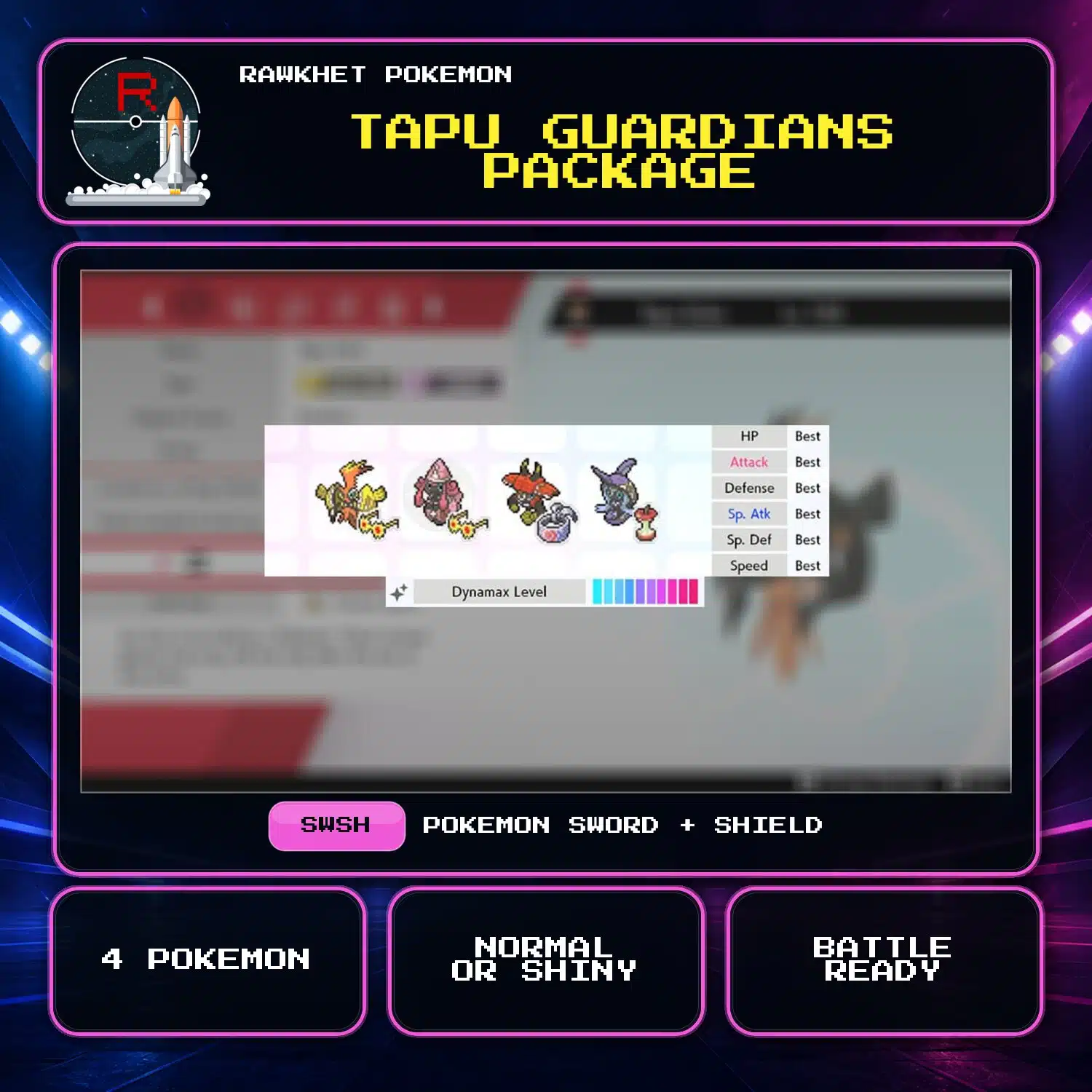
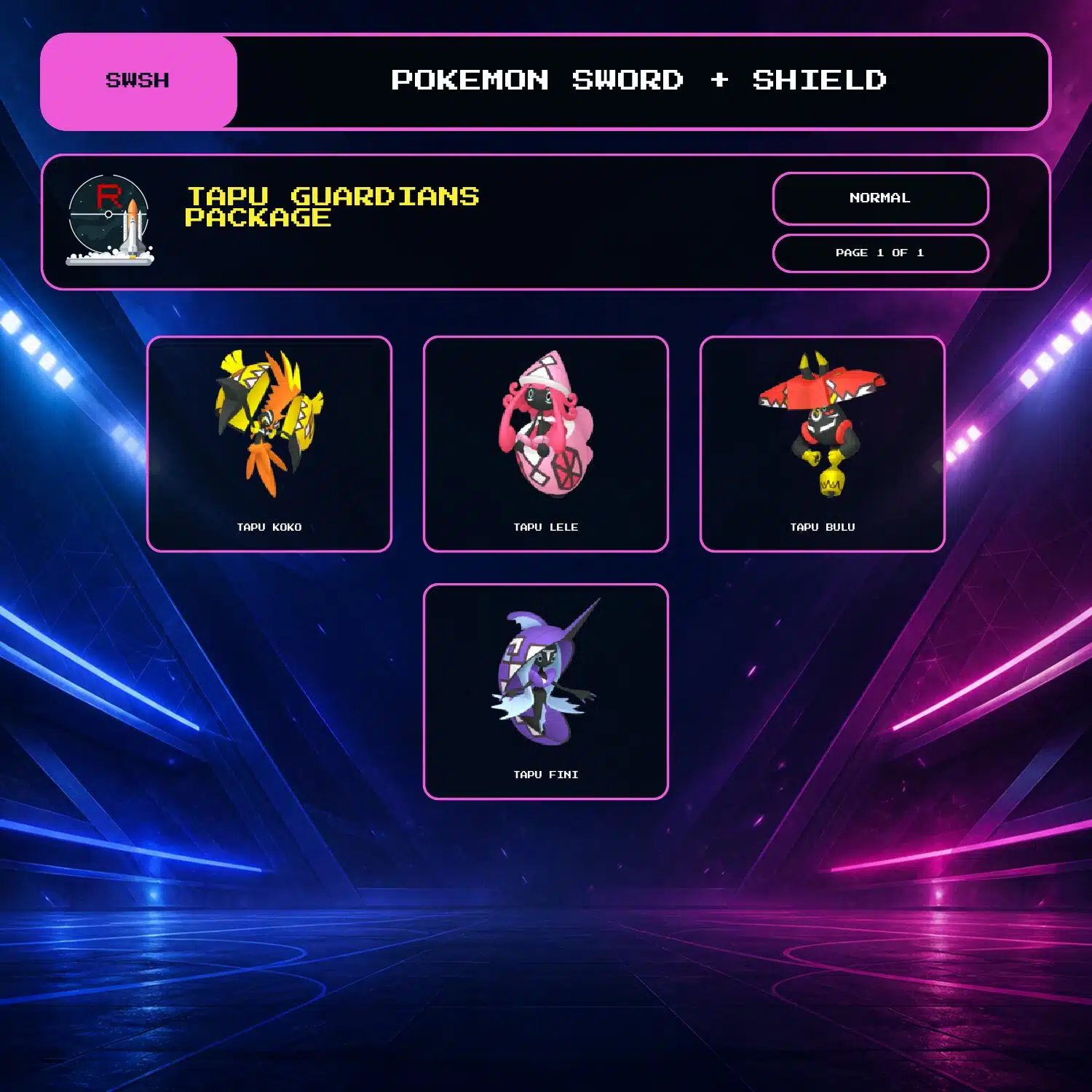
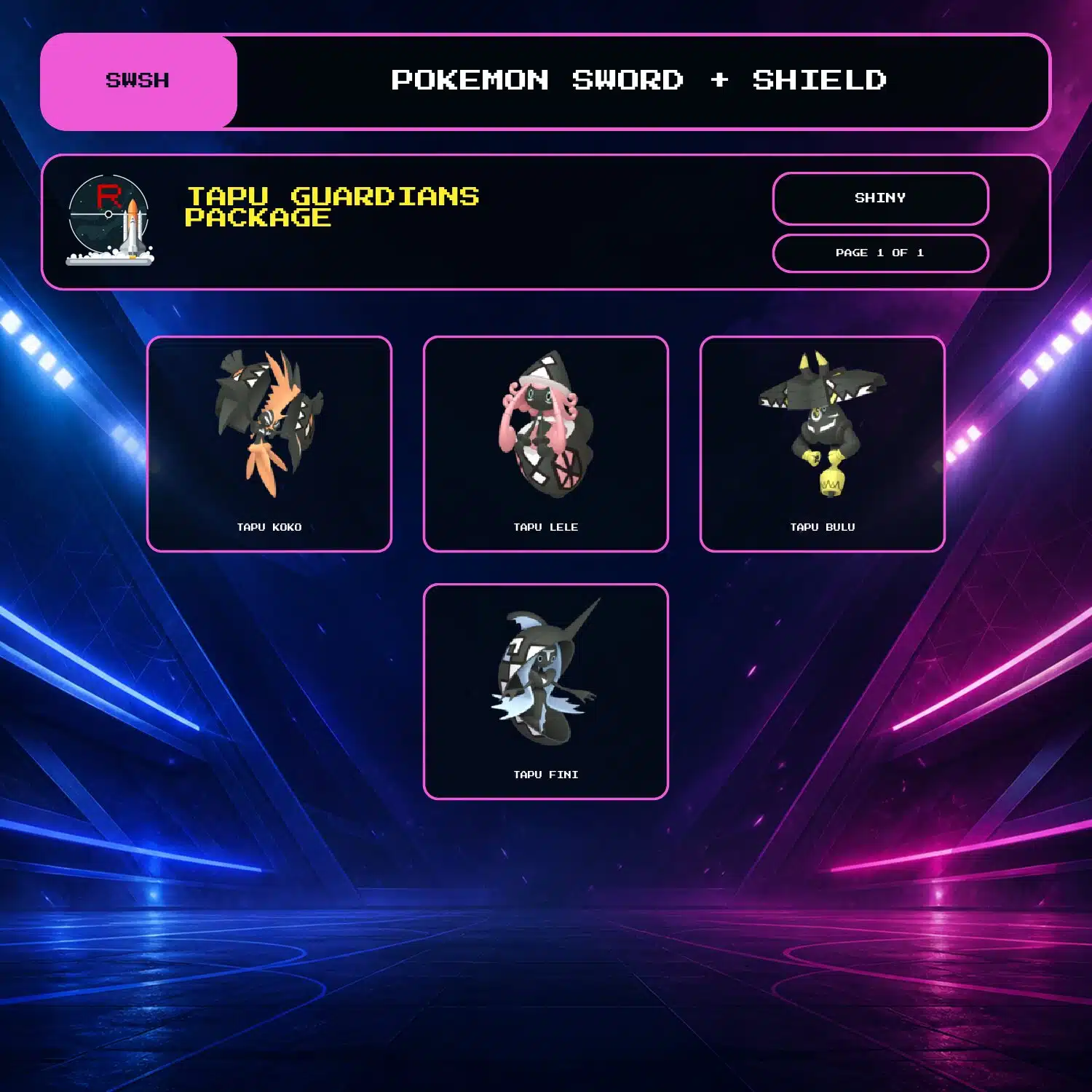
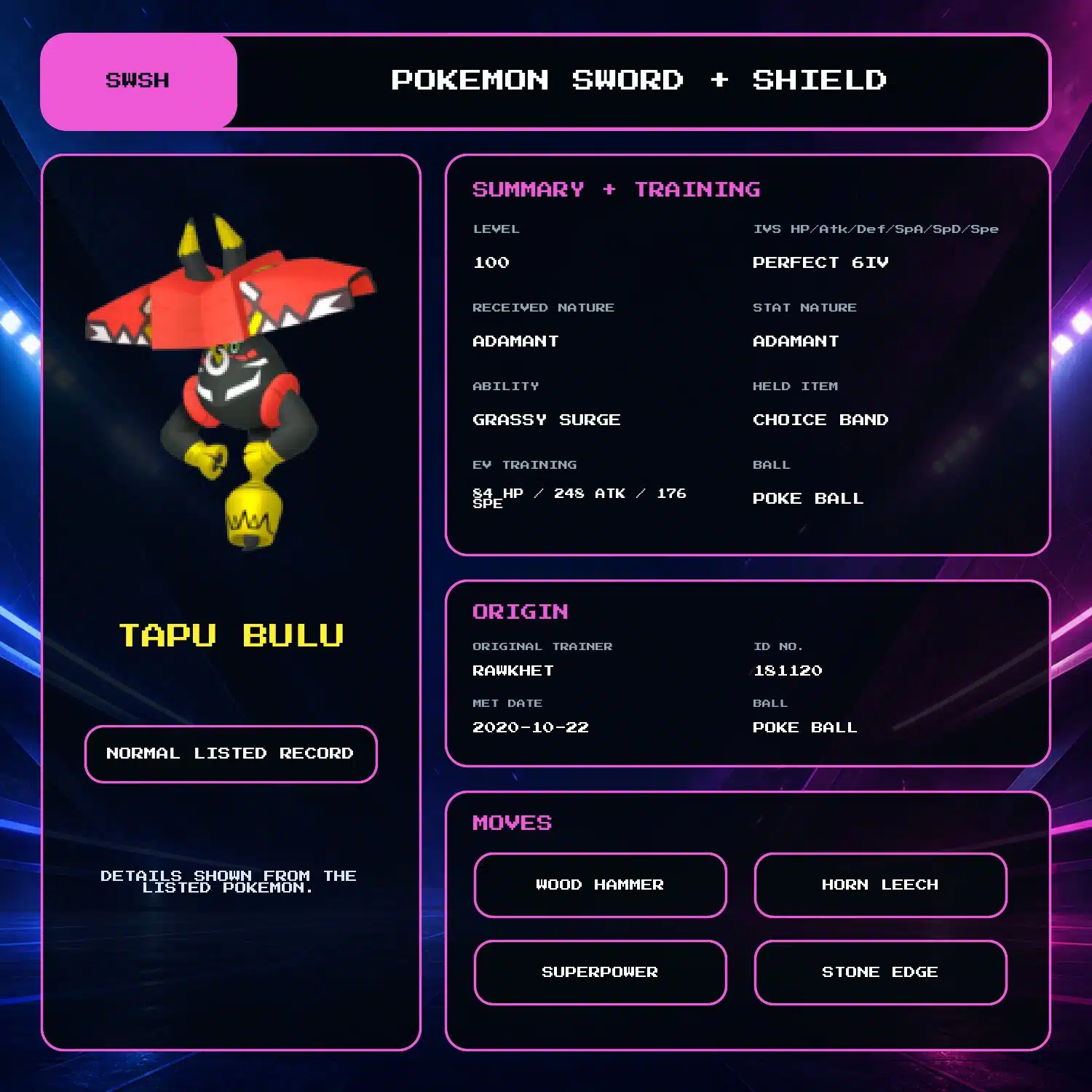
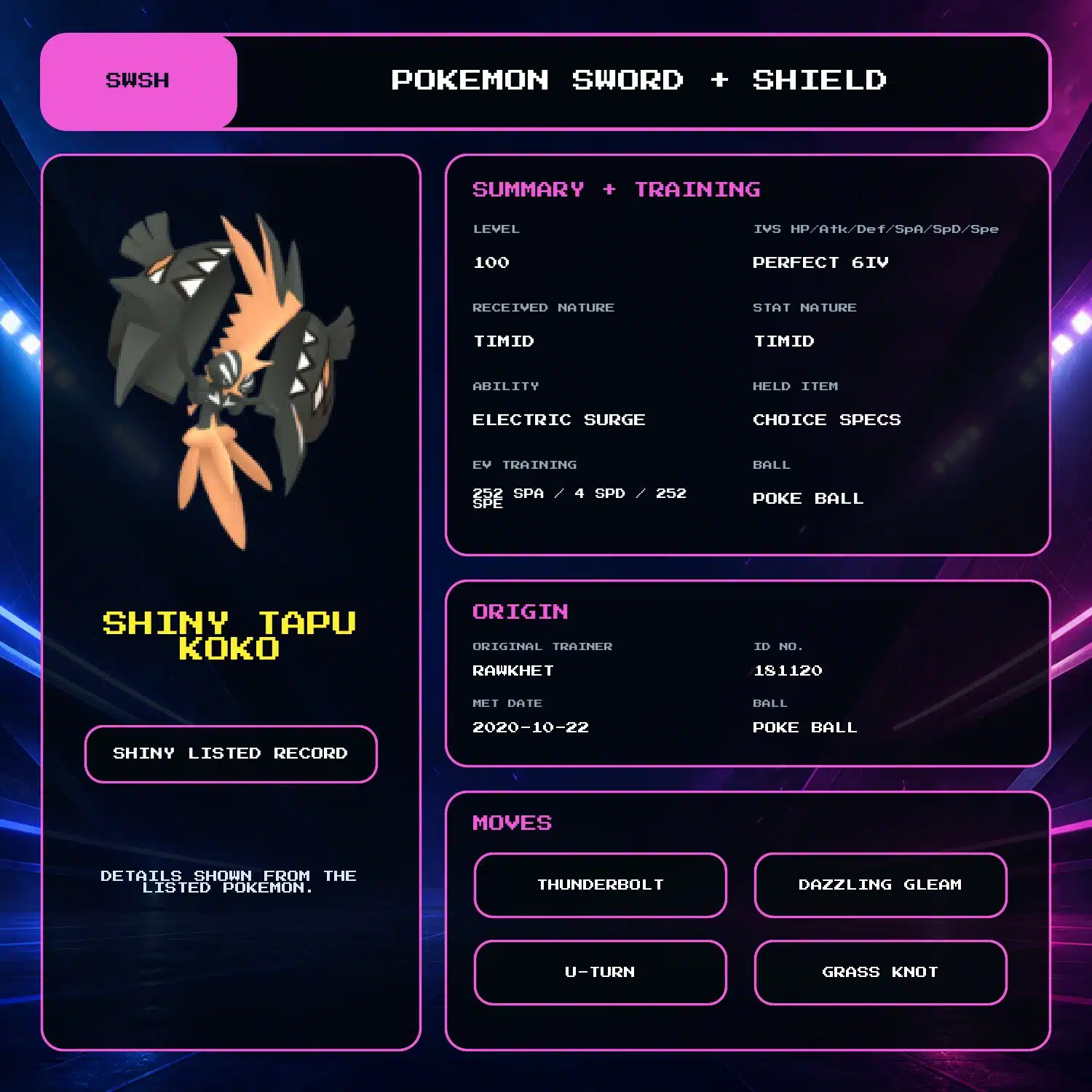
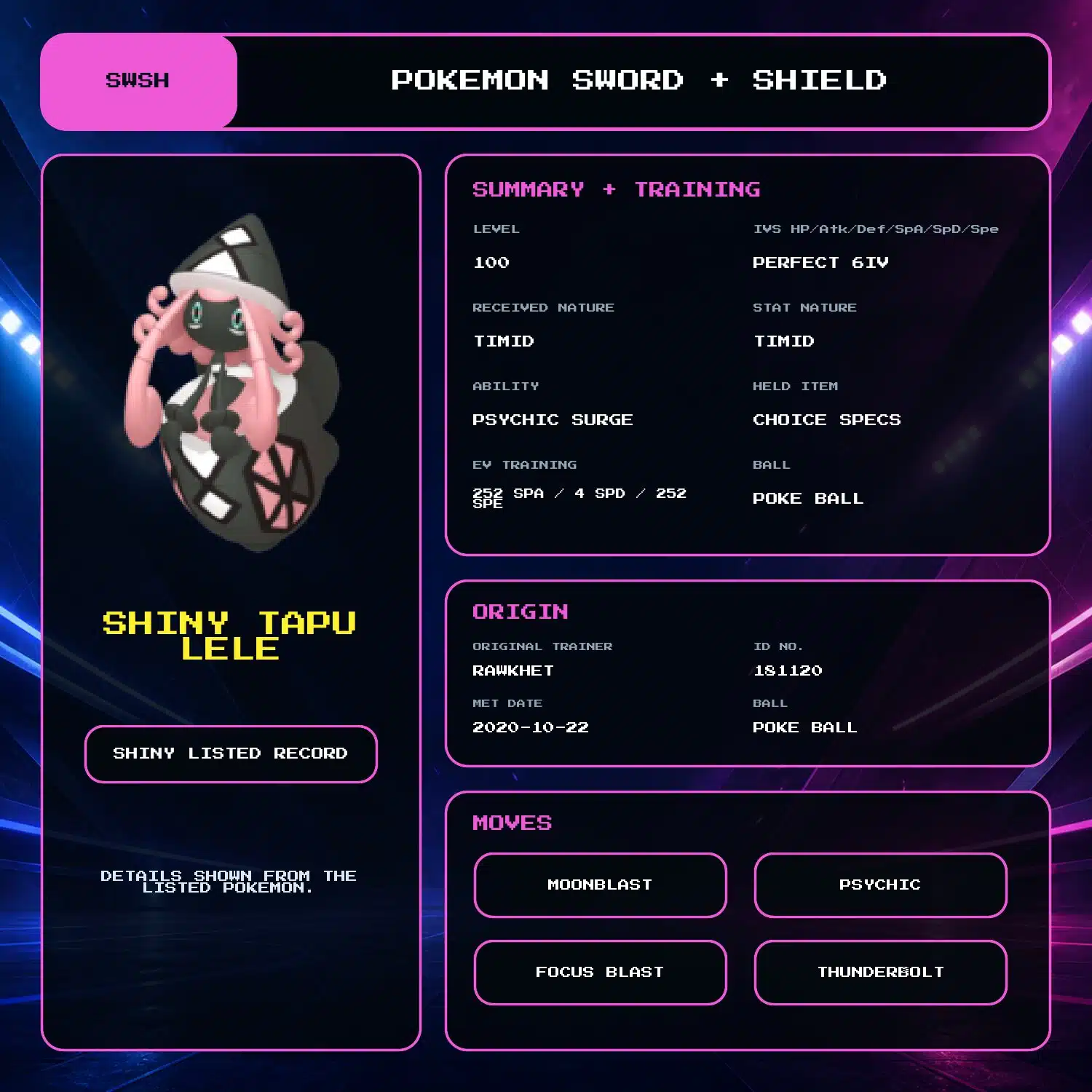
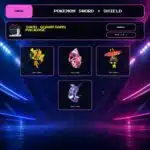
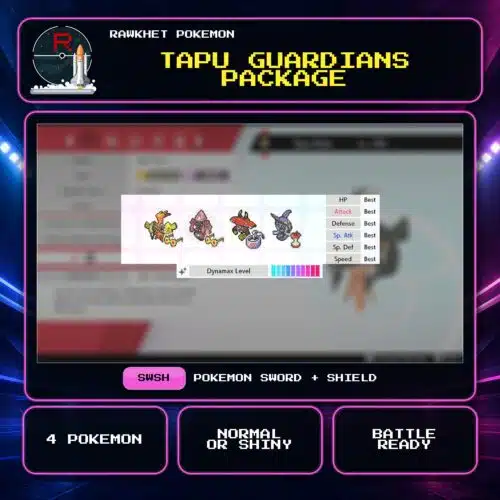
Get Tapu Koko, Tapu Lele, Tapu Bulu, and Tapu Fini for Pokemon Sword and Shield. Choose Shiny or Normal; all four are level 100 with perfect 6IV stats, full EV training, matching received and stat Natures, and max Dynamax level.
All four Tapu Guardians for Pokemon Sword and Shield
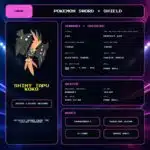
This package includes Tapu Koko, Tapu Lele, Tapu Bulu, and Tapu Fini. Choose Shiny or Normal.
Fixed level 100 builds
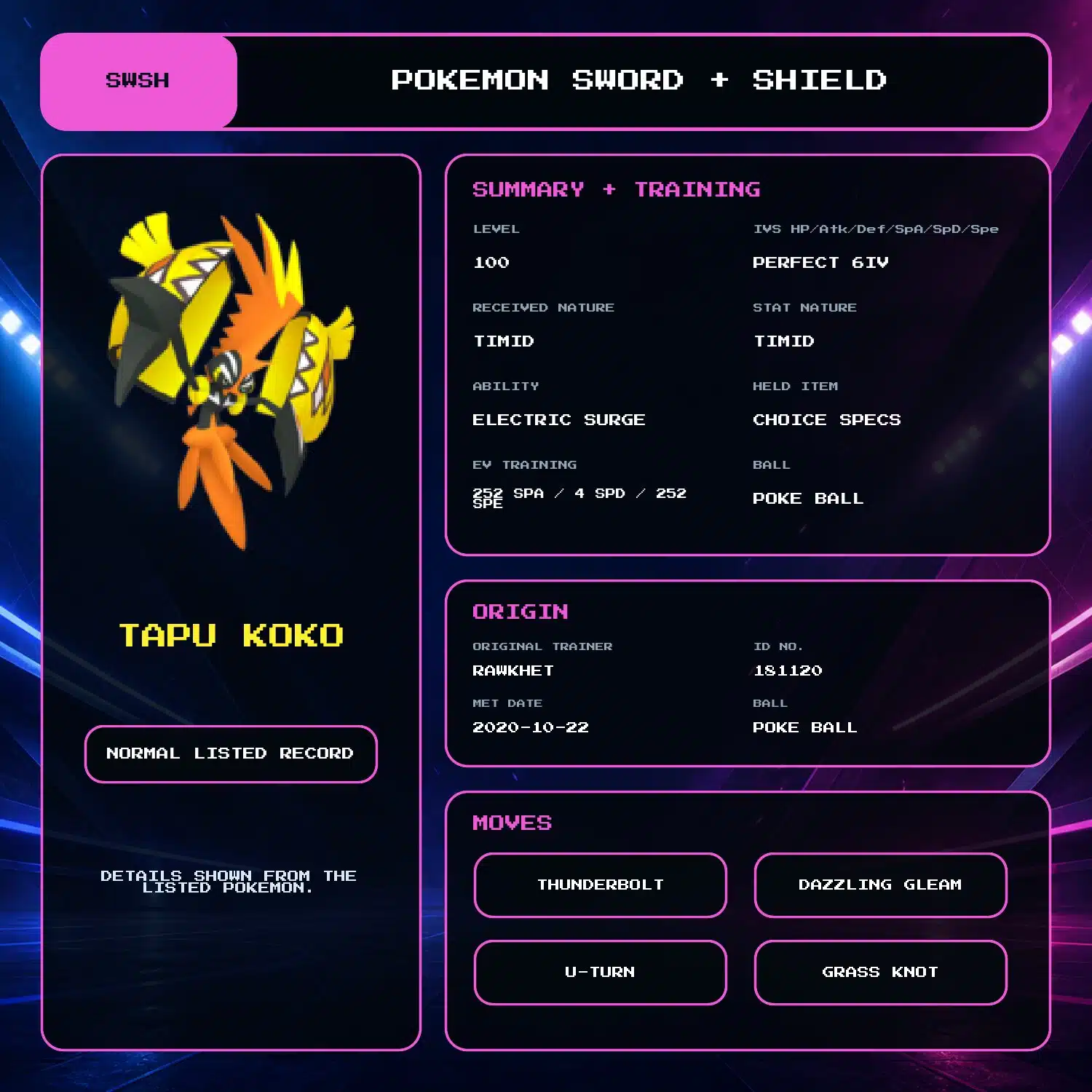
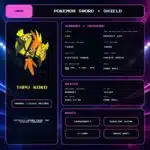
- Tapu Koko: matching Timid received and stat Natures, Electric Surge, Choice Specs, Thunderbolt, Dazzling Gleam, U-turn, and Grass Knot
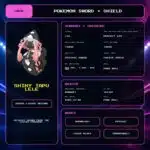
- Tapu Lele: matching Timid received and stat Natures, Psychic Surge, Choice Specs, Moonblast, Psychic, Focus Blast, and Thunderbolt
- Tapu Bulu: matching Adamant received and stat Natures, Grassy Surge, Choice Band, Wood Hammer, Horn Leech, Superpower, and Stone Edge
- Tapu Fini: matching Bold received and stat Natures, Misty Surge, Leftovers, Defog, Taunt, Nature’s Madness, and Moonblast
All four have perfect 6IV stats, full EV training, and max Dynamax level. The optional Trainer Name change applies to the full package.
Delivery
The package is delivered through Y-Comm Link Trade in Pokemon Sword and Shield. You need a Nintendo Account, Nintendo Switch Online, and four Pokemon to trade in return. See the Sword and Shield Trade Guide for the collection steps.
5 reviews for Tapu Guardians Package (4x, 6IV, Shiny, Battle Ready) – Pokemon Sword and Shield
Preparation: orders are ready within 24 hours, usually under 12. We'll email you when yours is ready to arrange delivery, whether that's a link trade in your game or a Pokemon Home transfer.
Legitimacy: every Pokemon we send is legal and passes legality checks. Safe for online play and ranked battles. Since 2016 we have completed over 450,000 trades with zero reported bans. Some Pokemon cannot be moved into Pokemon Home. Where that affects a listing, its description says so, and the Home Restrictions page has the details.
What you'll need: your game, a Nintendo Account, and a Nintendo Switch Online subscription. Pokemon Home orders need a Home Premium plan instead.
Our guarantee: if we can't complete your order due to a fault on our side, you get your money back. The full policy is in the FAQ, and the Trade Guide walks you through your first trade.
Please fill out the form below with your questions about this product.
To trade in Pokemon Sword and Shield, you'll need a Nintendo Account and an active Nintendo Switch Online subscription. Your Switch Friend Code and in-game Card Code are unnecessary.
- Press the [Y] button to open the Y-Comm.
- Press [+] to connect to the Internet. The top right should say "Internet".
- Choose Link Trade and then Set Link Code.
- When you're up in the Trade Queue, you'll receive a Link Code that you can enter here.
- Wait for the trade to be established. Stay in the overworld and do not open any menus. It should say "Searching..." at the bottom left.
- IMPORTANT: If we don't connect within a minute, please reply to let us know (no need to retry) so we can try another code.


Please ensure you have a stable Internet connection to trade. To check if you can trade online with Rawkhet (and others), do a Test Connection on your Switch (System Settings > Internet > Test Connection) and ensure that your NAT Type is A, B, or C (where A/B is ideal).
NAT Type D and F will NOT be able to connect with other players. Mobile hotspots from your iOS or Android device, public WiFi, and work/enterprise WiFi are usually NAT Type D. Use a different network or find troubleshooting steps on Nintendo Support.
Related products


Olga Lidia Gamez –
Fast Easy, Highly recommend if anyones trying to complete their dex.
Cohen –
Great trades. Easy and done within a day. Highly recommended
John Smith –
Wonderful service, the delivery happened well before the promised 12-24 hours. Can’t wait to use them!
Isaac Park –
I just bought this set and the regi set. The trade was delayed due to server maintenance but they were quick to respond and contacted me at a later time. The trade went smoothly and I got all 10 pokemon with ease. If you’re a newcomer be sure to look for the trading guide for a smooth trading experience!
Joseph –
Once again amazing service. Fast and trustworthy. Great communication. I’ve become a loyal and repeat customer. Thank you Rawkhet!