





Blog
How to Get Meltan and Melmetal in Pokemon Legends Z-A
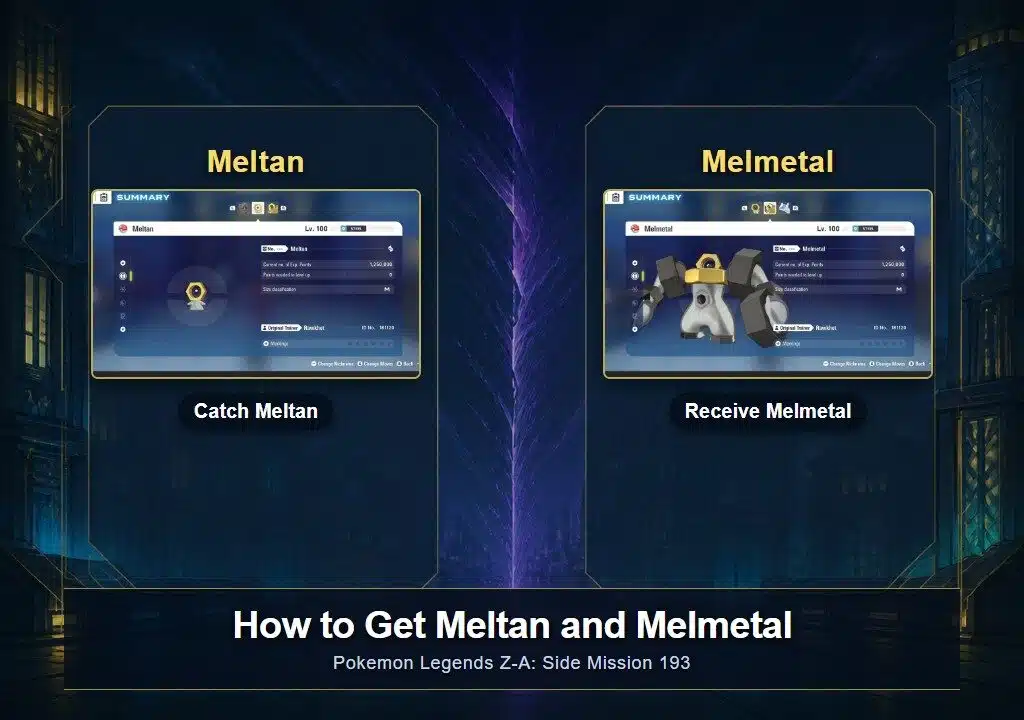
Meltan and Melmetal are both available in Pokemon Legends Z-A: Mega Dimension. You catch Meltan during Side Mission 193, “Dreams of Meltan,” then receive Melmetal separately before the mission ends.
The mission takes place after the main story and will not appear as soon as you begin the Mega Dimension DLC. You need to finish Hyperspace Mission 12 first.
What you need before Dreams of Meltan appears
- Finish the main story in Pokemon Legends Z-A.
- Start the Mega Dimension DLC story.
- Complete Hyperspace Mission 12.
Mega Dimension is additional story content set after the base game’s main story. If Side Mission 193 is missing, check that DLC progress before looking for the requester.
Where to start Side Mission 193
Go to the bank in Rouge Sector 1. A requester near the bank will tell you about an unfamiliar Pokemon bothering customers near the entrance. Speak to her to begin “Dreams of Meltan.”
Step 1: Catch Meltan
The requester points out the Meltan near the bank. Approach it, start the encounter, and catch it. The mission will then direct you to the next step.
Step 2: Enter the hyperspace distortion
A hyperspace distortion appears after you catch Meltan. Enter it and follow the mission until you find a child surrounded by several Meltan.
Step 3: Receive Melmetal
Talk to the child and answer the questions to continue the scene. The Meltan gathered around her combine into Melmetal, and she gives that Melmetal to you.
The Melmetal reward is separate from the Meltan you caught by the bank. You do not evolve your captured Meltan during this mission. Completing the sequence gives you both Pokemon.
Why the mission may not be showing up
The usual blocker is story progress. Confirm that you have finished the base game, started Mega Dimension, and completed Hyperspace Mission 12. Then return to the bank in Rouge Sector 1 and look for the Side Mission marker.
Can Meltan and Melmetal move through Pokemon HOME?
Pokemon HOME connectivity for Legends Z-A is live, but compatibility still depends on the individual Pokemon and destination game. HOME shows which connected games each Pokemon can travel to.
Transfers involving Legends Z-A also have an important restriction. Pokemon moved from Legends Z-A into HOME cannot travel to earlier main-series games, and Pokemon brought into Legends Z-A from an earlier game cannot return to those earlier titles. Check the destination inside HOME before confirming the move. Rawkhet’s Pokemon HOME restrictions page explains the current transfer boundary.
Getting Meltan and Melmetal from Rawkhet
If you would rather skip the mission, Rawkhet has a Meltan and Melmetal package for Pokemon Legends Z-A. Check the product page for its current variants and delivery details.
For a different legal set, use the Legends Z-A Teambuilder with the custom Pokemon Legends Z-A listing. The Legends Z-A collection contains the rest of the supported packages and individual listings.
Sources and update notes
This guide was checked on August 10, 2026. The postgame setting comes from the official Mega Dimension site. Mission order and rewards were cross-checked against current Serebii and Bulbapedia mission records. The transfer note uses current official Pokemon HOME guidance.

