




Pokemon Champions Custom Team (6+ Pokemon) – Pokemon HOME
$55.00
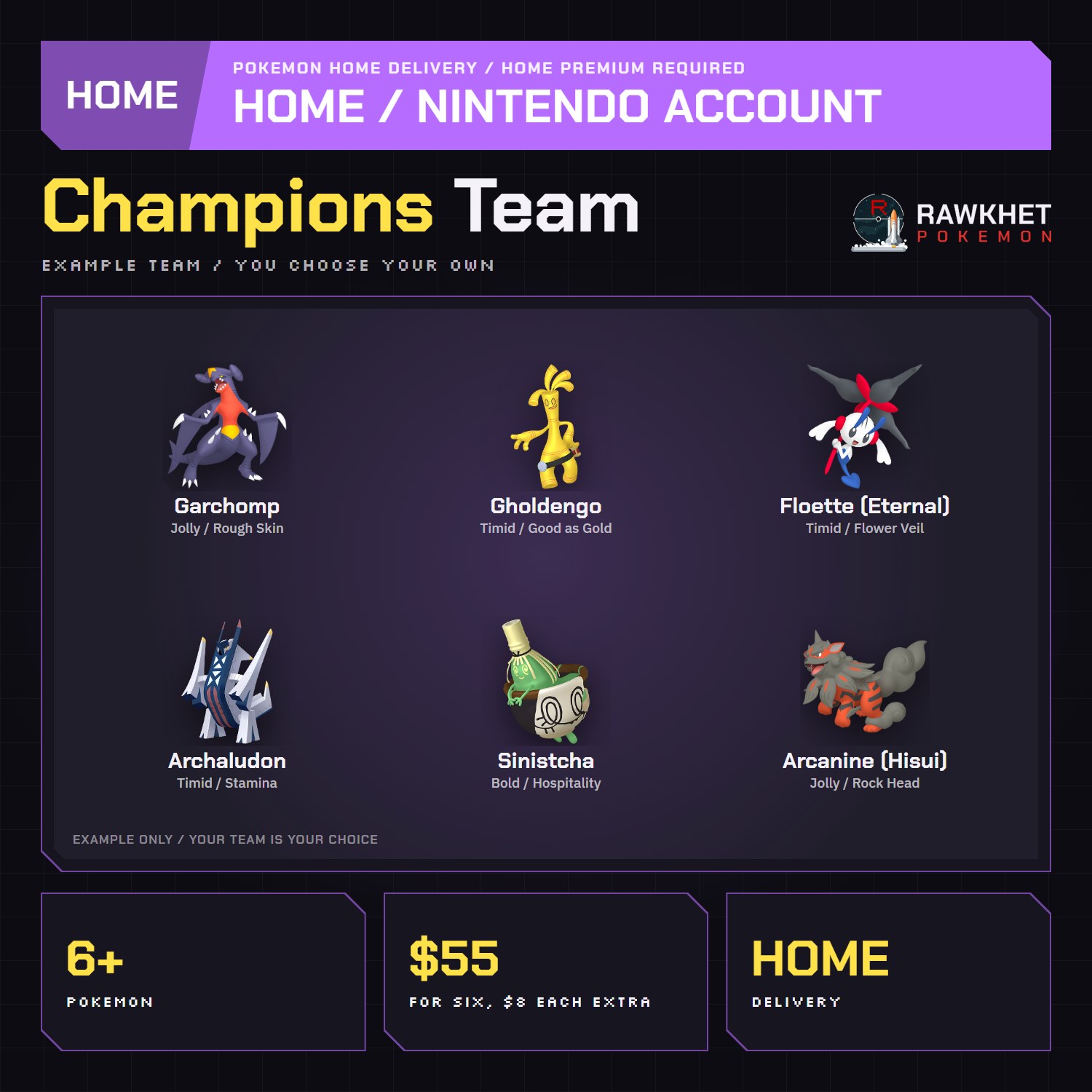
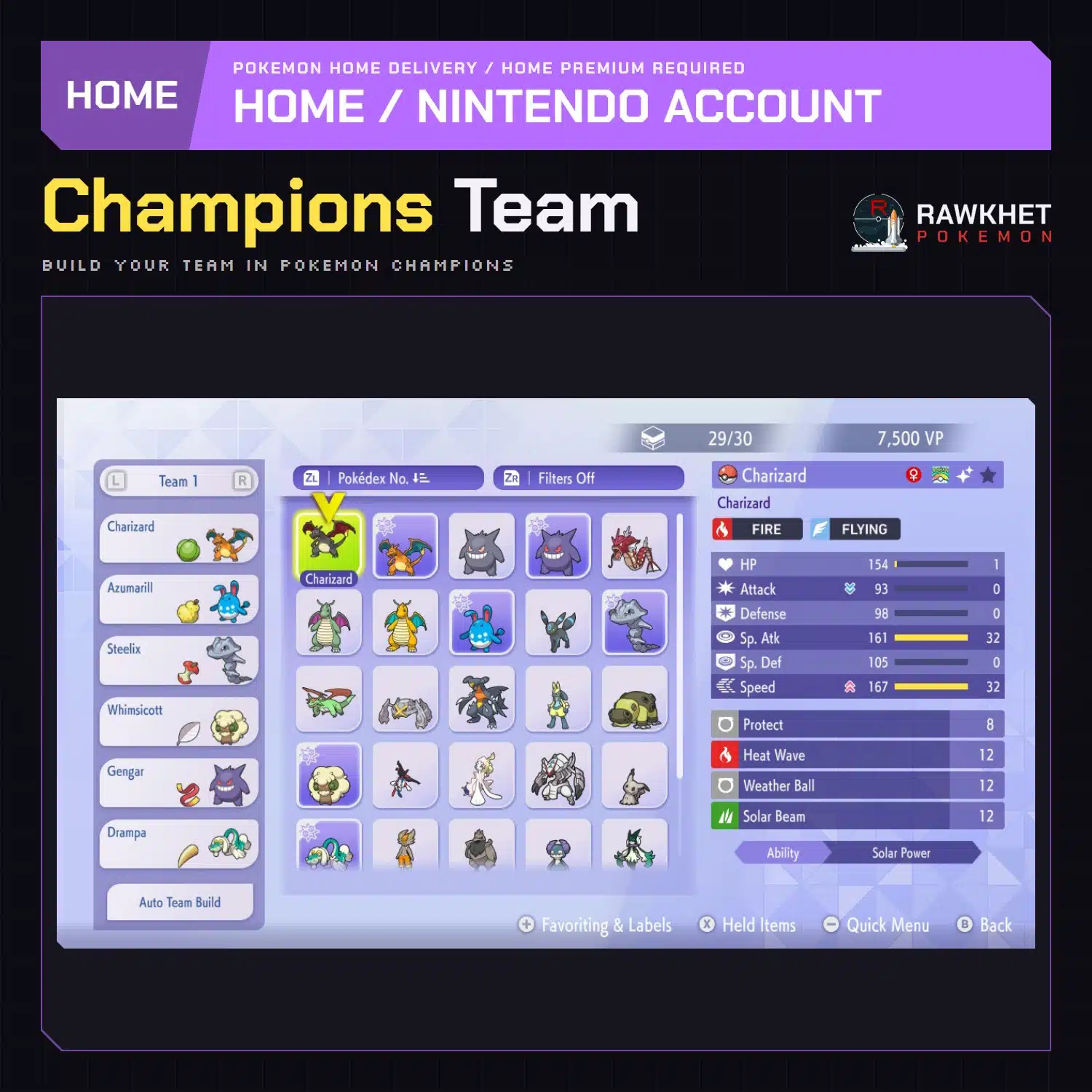
Your own Pokemon Champions team, built in the Rawkhet Teambuilder and delivered to your Pokemon HOME. Six Pokemon for $55, and each Pokemon after the sixth is $8. Order it from the Teambuilder’s Pokemon Champions mode.
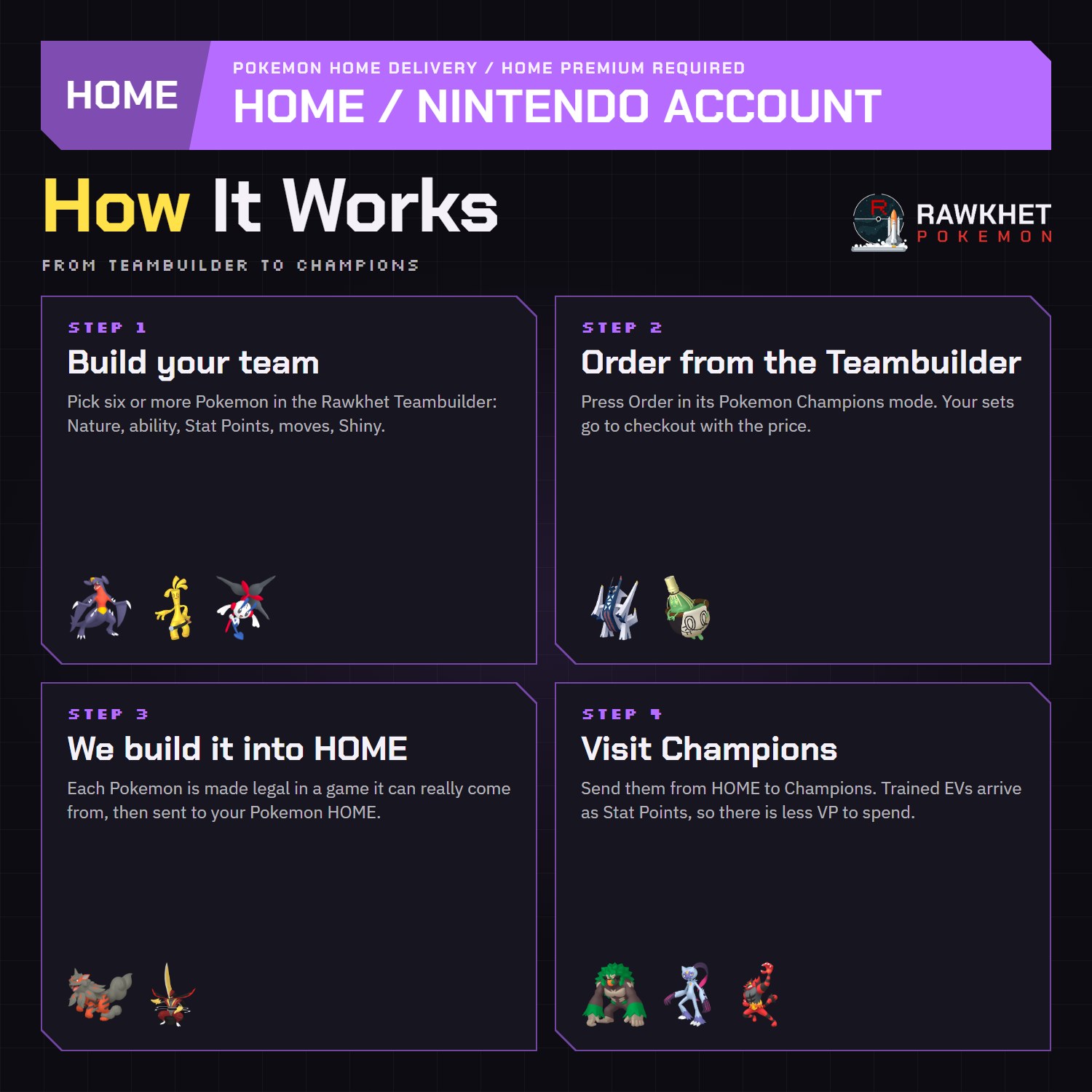
Build your team in the Rawkhet Teambuilder's Pokemon Champions mode, then press Order there. Your sets and price go to checkout with you.
Build Your Team in the TeambuilderDelivered to your Pokemon HOME
Prepared by hand within 24 hours, generally less.
You need a Pokemon HOME Premium Plan before you order.
Build your Pokemon Champions team in the Rawkhet Teambuilder’s Pokemon Champions mode and press Order there. We build each Pokemon and send the team to your Pokemon HOME, ready to move into Champions. Six Pokemon cost $55 and each extra Pokemon is $8, so a team of seven is $63.
Build your team in the Teambuilder. Teams can only be ordered from there, so this page has no Add to Cart. Your sets and the price go to checkout together.
- Price: 6 Pokemon for $55, then $8 for each extra Pokemon
- How to order: from the Teambuilder’s Pokemon Champions mode only
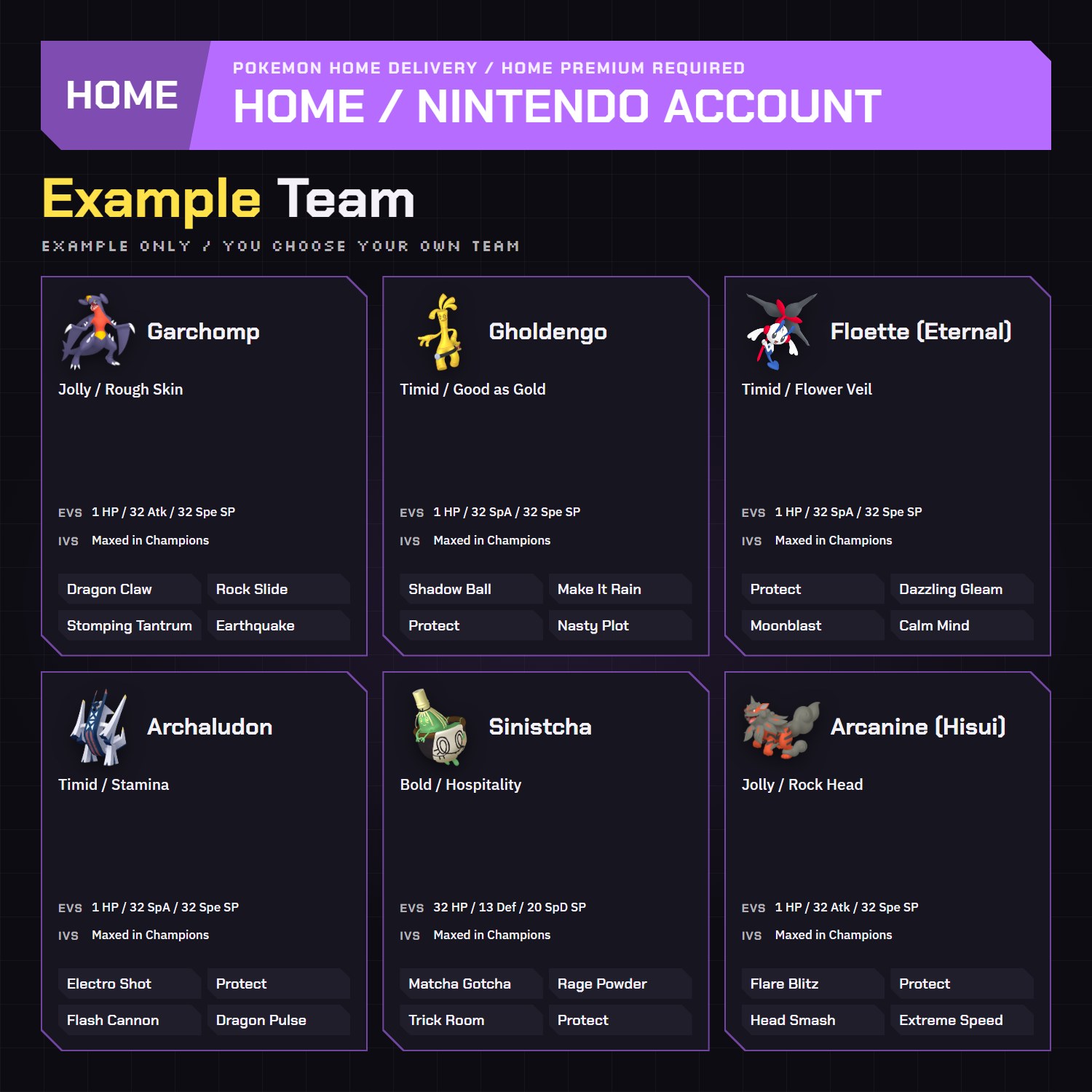
- Builds: your sets, with Nature, ability, moves, Stat Points and Shiny or Normal. You can set a Trainer Name and ID for each Pokemon, except Eternal Floette and Poke Ball Vivillon, which keep their original trainer.
- Ready: prepared by hand within 24 hours, generally less
- Delivery: one Pokemon HOME Nintendo Account transfer. You need a Pokemon HOME Premium Plan and must temporarily provide your Nintendo Account details.
How we build your team
Every Pokemon is built in a game it can legally come from (Scarlet and Violet, Legends: Z-A, Brilliant Diamond and Shining Pearl, or Legends: Arceus), then sent through HOME. The Teambuilder picks that game for you and only offers the moves and abilities it can legally give, so a move or ability you would run in Champions may not be available. Champions lets you change Nature, ability, moves and Stat Points for VP, so you may want to adjust a set there.
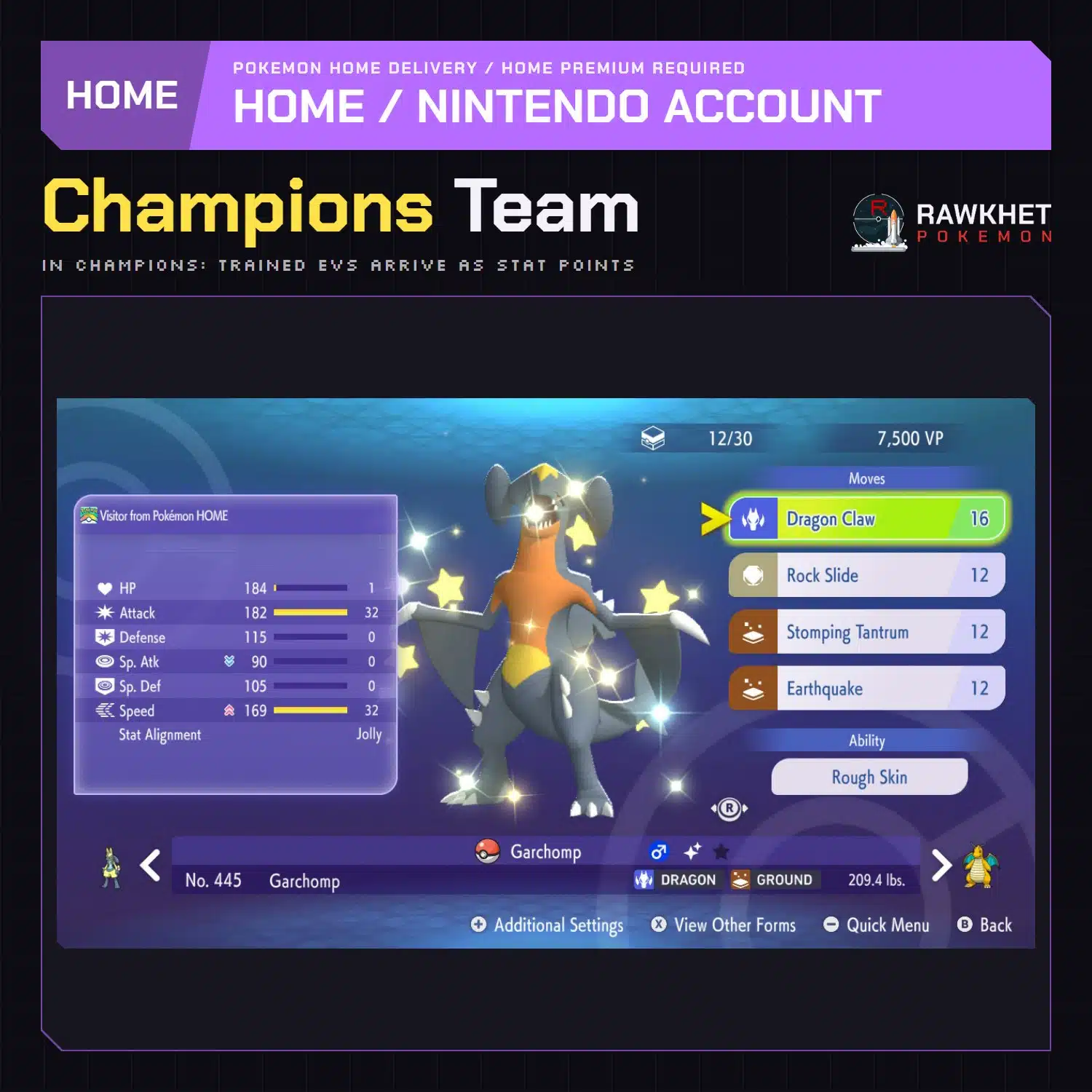
Champions gives every Pokemon perfect IVs, and the EVs we train become its starting Stat Points. HOME carries up to 510 EVs, so you may need to set the last Stat Point or two in Champions.
Good to know
- Held items do not transfer through Pokemon HOME. Give your team their items in Champions.
- Chesnaught, Delphox, Greninja and Eternal Floette built for Pokemon Legends: Z-A earn their Mega Stones from the Champions deposit bonus while it runs.
- Want every roster Pokemon instead? See the Pokemon Champions Roster.
HOME delivery
Delivery uses a Pokemon HOME Nintendo Account transfer. You need a Pokemon HOME Premium Plan and must temporarily provide your Nintendo Account details by following the Nintendo Account section of the Trade Guide. You do not need trade fodder or to be online at the same time, and Rawkhet will notify you when the Pokemon appear in your account within 24 hours.
Ready about a minute after payment
Eligible in-game orders prepare automatically after payment, and we email you a collection link when an automatic order is ready. Orders with notes are checked by a person within 12 hours. Pokemon HOME, Let's Go, and orders needing review are handled manually, usually within 24 hours. See the preparation and collection FAQ for details.
Legal, and safe for ranked battles
Every Pokemon we send is legal and passes legality checks. Safe for online play and ranked battles. Since 2016 we have completed over 450,000 trades with zero reported bans. Some Pokemon cannot be moved into Pokemon Home. Where that affects a listing, its description says so, and the Home Restrictions page has the details.
Your game and Nintendo Switch Online
Your game, a Nintendo Account, and a Nintendo Switch Online subscription. Pokemon Home orders need a Home Premium plan instead.
Your money back if we can't deliver
If we can't complete your order due to a fault on our side, you get your money back. The full policy is in the FAQ, and the Trade Guide walks you through your first trade.
Please fill out the form below with your questions about this product.
Before you startYou need an active Pokemon HOME Premium Plan before you order. Make sure you have enough consecutive empty boxes for the whole order.
- Sign in to your Nintendo Account at accounts.nintendo.com.
- Under Sign-in and security settings, change your password to something temporary we can use. Keep it simple, because we type it by hand: a single word like "Password" works.
- Under Sign-in method, make sure it says "E-mail address or sign-in ID".
- Under 2-Step Verification settings, make sure it says "Not set". If it's on, remove it for this order. You can turn it back on after.
- Under Passkey, remove any registered passkey so it says "No passkey set". You can add it back after.
- Enter your Nintendo Account details at checkout. Check that they let you sign in at accounts.nintendo.com: if you can't sign in, neither can we.
- If your Nintendo Account is set to a different country from your billing address (say you live in Brazil but the account is set to the United States), write the country in Order Notes at checkout.
- Within 24 hours, and generally less, we transfer the Pokemon into your HOME and tell you when it's done.
- We sign out automatically. To be sure, press "Sign out" under Sign-in history, then change your password back and turn 2-Step Verification on again if you use it.
More tips and every other game: Trade Guide
What buyers say
No reviews yet. Be the first to share how it went.
Related products
Custom Pokemon (6IV, Shiny, EVs, Items) – Pokemon Sword and Shield
Price range: $8.00 through $45.00


Reviews
There are no reviews yet