





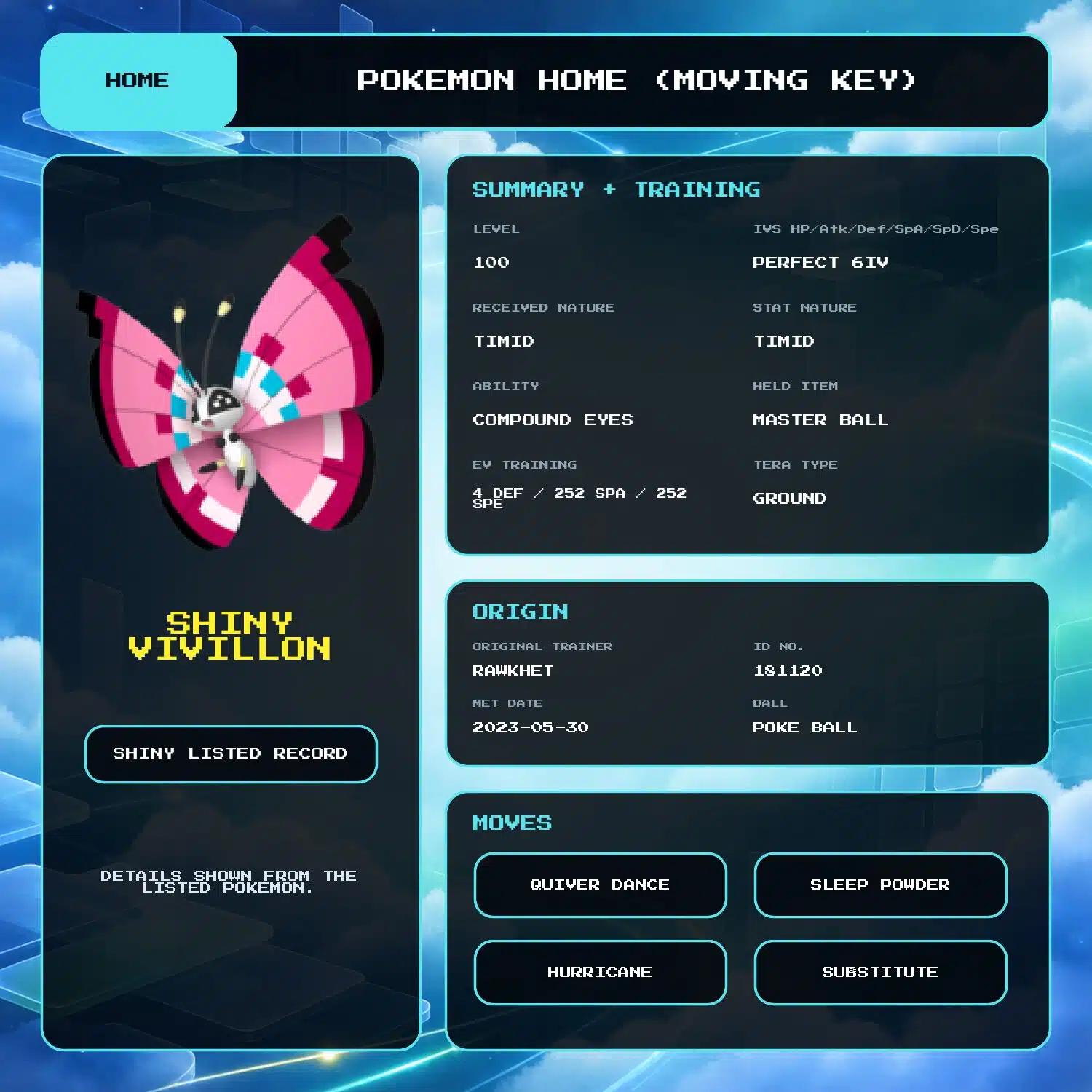
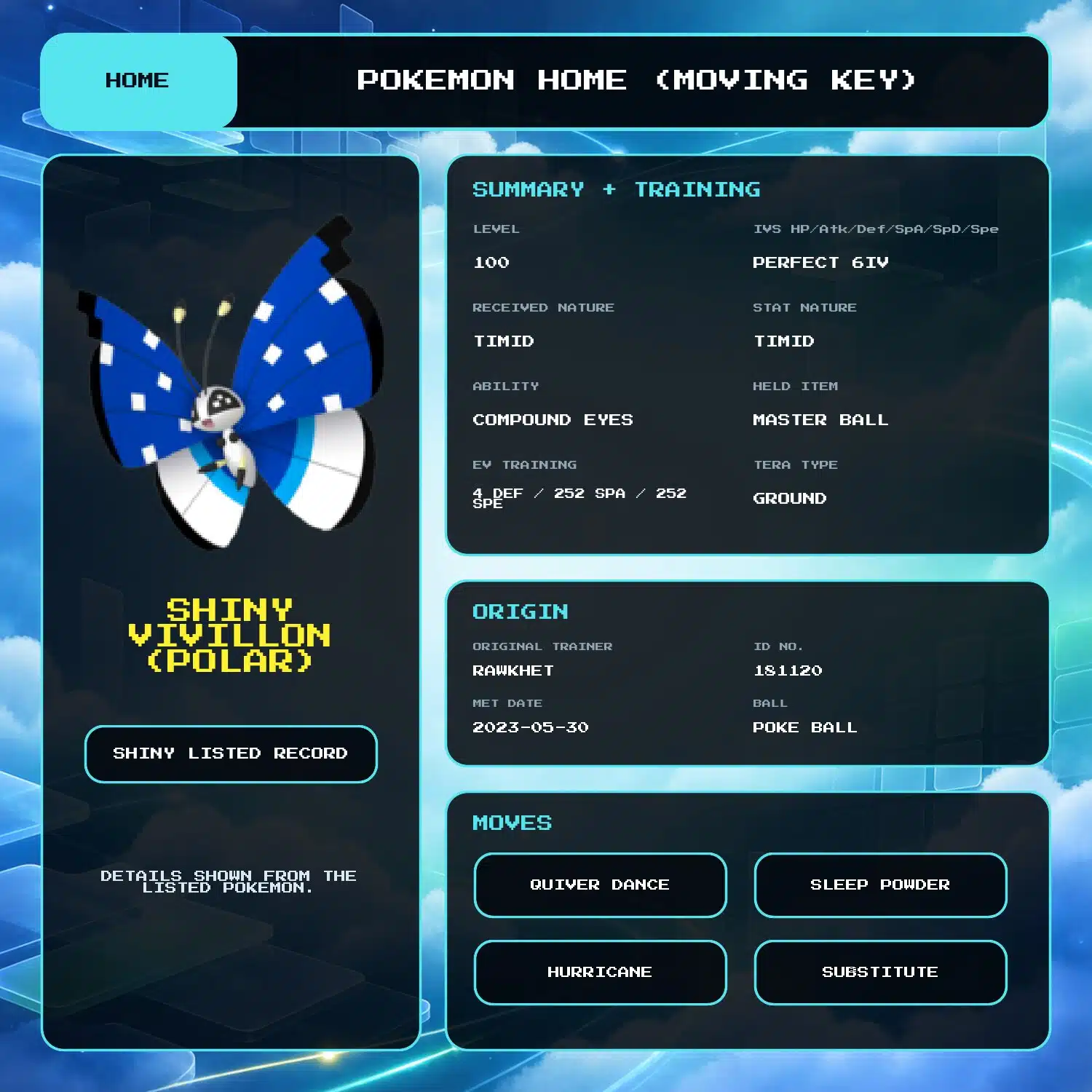
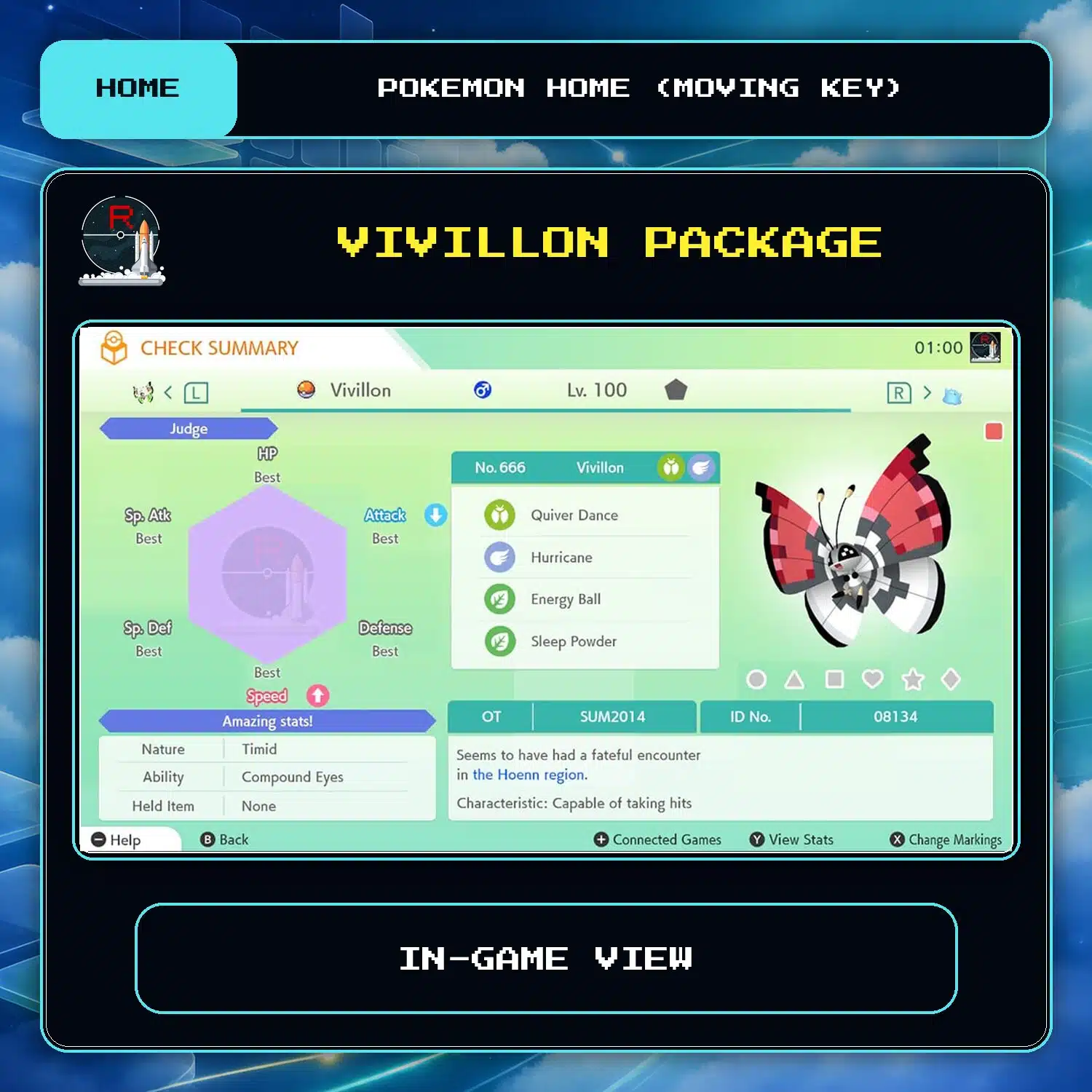

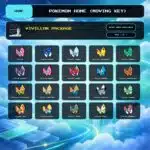
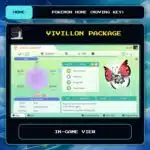


Vivillon Package (20x, All Forms, 6IV, Shiny) – Pokemon HOME
$15.00
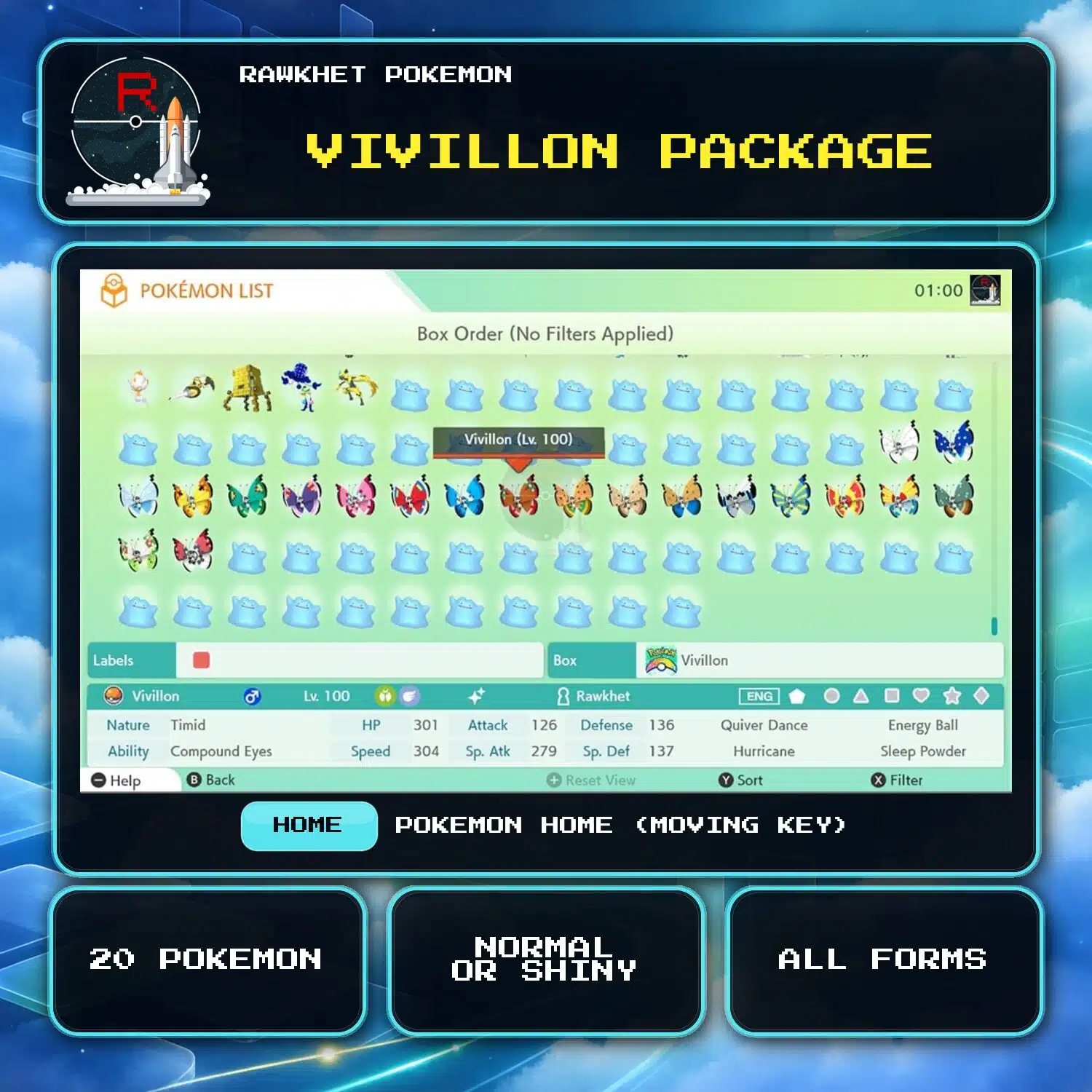
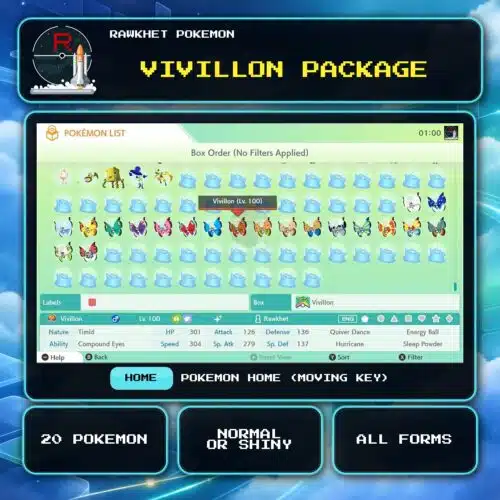
Get all 20 Vivillon forms through Pokemon HOME, including the Fancy and Poke Ball Patterns. Choose Shiny or normal, with perfect 6IV stats and Moving Key delivery.
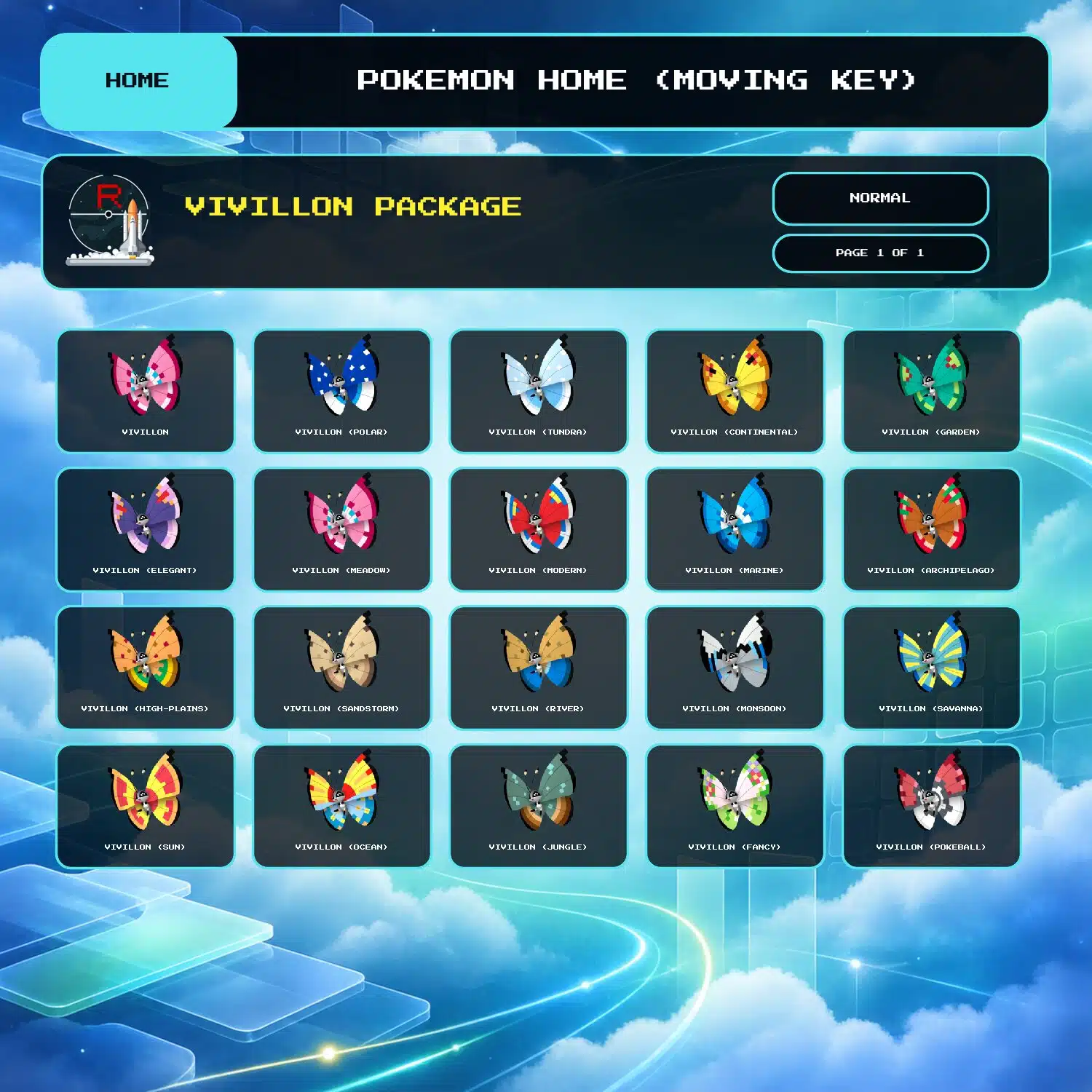
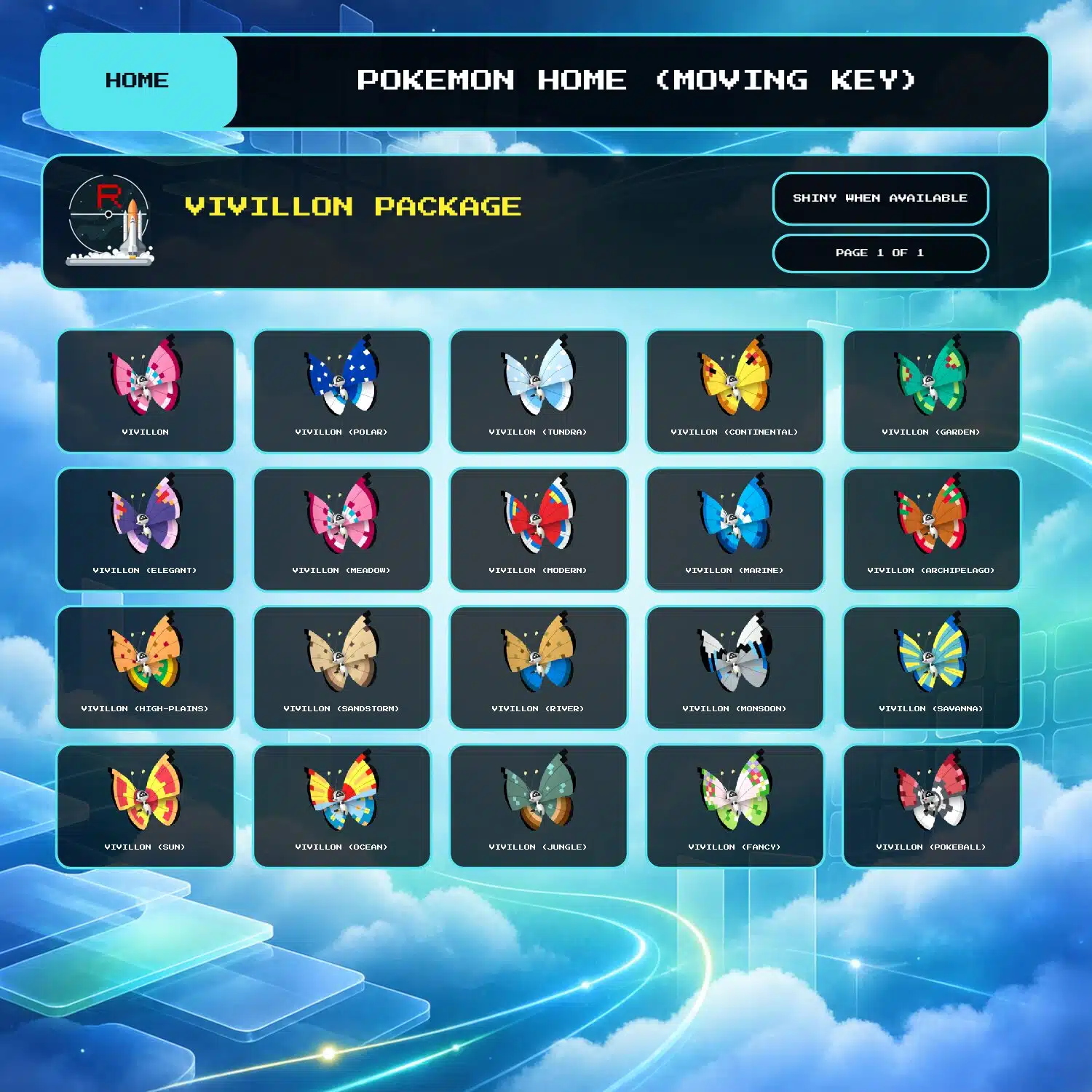
All 20 Vivillon forms
This package contains all 20 Vivillon patterns, including the Fancy and Poke Ball Patterns. Choose Shiny or Normal before adding it to your cart.
Stats and Trainer Name option
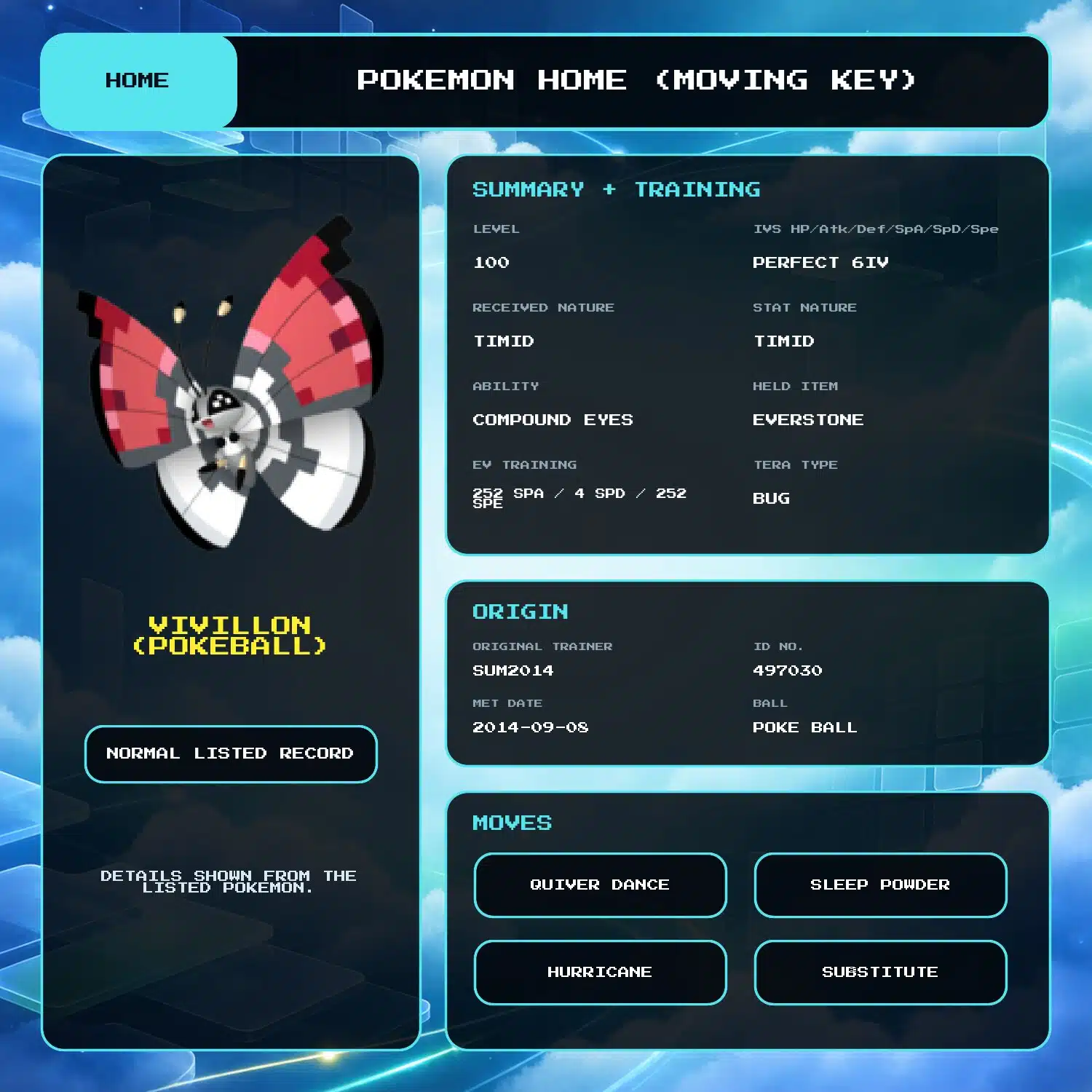
Every Vivillon has perfect 6IV stats and is fully trained. The available add-on can change the Trainer Name where possible. Further customization is not included with this package.
Moving Key delivery
Delivery uses a Pokemon HOME Moving Key. You need a Pokemon HOME Premium Plan and must generate the key by following the Moving Key section of the Trade Guide. The transfer moves all 20 Vivillon into Pokemon HOME together, so you do not need trade fodder or one-by-one trades.
Review the FAQ before ordering if you have questions about delivery.
3 reviews for Vivillon Package (20x, All Forms, 6IV, Shiny) – Pokemon HOME
Preparation: eligible in-game orders can prepare automatically after payment. We will email you a collection link when an automatic order is ready. Pokemon HOME, Let's Go, and orders needing review are handled manually, usually within 24 hours. See the preparation and collection FAQ for details.
Legitimacy: every Pokemon we send is legal and passes legality checks. Safe for online play and ranked battles. Since 2016 we have completed over 450,000 trades with zero reported bans. Some Pokemon cannot be moved into Pokemon Home. Where that affects a listing, its description says so, and the Home Restrictions page has the details.
What you'll need: your game, a Nintendo Account, and a Nintendo Switch Online subscription. Pokemon Home orders need a Home Premium plan instead.
Our guarantee: if we can't complete your order due to a fault on our side, you get your money back. The full policy is in the FAQ, and the Trade Guide walks you through your first trade.
Please fill out the form below with your questions about this product.
To transfer Pokemon to Pokemon Home using a Moving Key, you'll need a Home Premium Subscription. You MUST have this before claiming your Pokemon.
This transfer method involves us sending Pokemon from Gen 1-7 via Pokemon Bank on our 3DS to your Home account. Gen 8 Pokemon, which do not exist on the 3DS, cannot be sent through this method. Note that you do NOT need a 3DS on your side.
Delivery from other listings, such as ones from USUM or SWSH, is NOT supported (explanation).
Unlike in-game trades, no actual trading is done. Upon providing the Moving Key, all Pokemon are moved into your Home account at once. No junk Pokemon is required.
- ONLY when prompted during collection, select Move in the main menu.
- Select Begin Move.
- Follow the steps until you see a Moving Key. Screenshot, take a photo, or copy the key and send it as fast as possible. We must enter it within 3 minutes.


- ONLY when prompted during collection, bring up the Menu and choose Options.
- Select Move Pokemon.
- Select Begin move!
- Follow the steps until you see a Moving Key. Screenshot, take a photo, or copy the key and send it as fast as possible. We must enter it within 3 minutes.




Eddie Booth –
Super fast and easy once trade time came around. Mostly went for this as I seem to have lost my Pokeball pattern one and knew it was impossible to replace otherwise. Might as well get the rest at the same time eh?
Definitely eyeing up some of the other form listings (Alcremie) for another time 🙂
Steven Pearson –
If you are looking to get all vivilon forms this was super easy quick and finally I have the whole set.
Curtis James Schuler –
Order was received before expected and incredibly easily! Would for sure recommend. Even filled out the Furfrou forms I was missing in my Home dex, so that was a freebie! Thank you!!